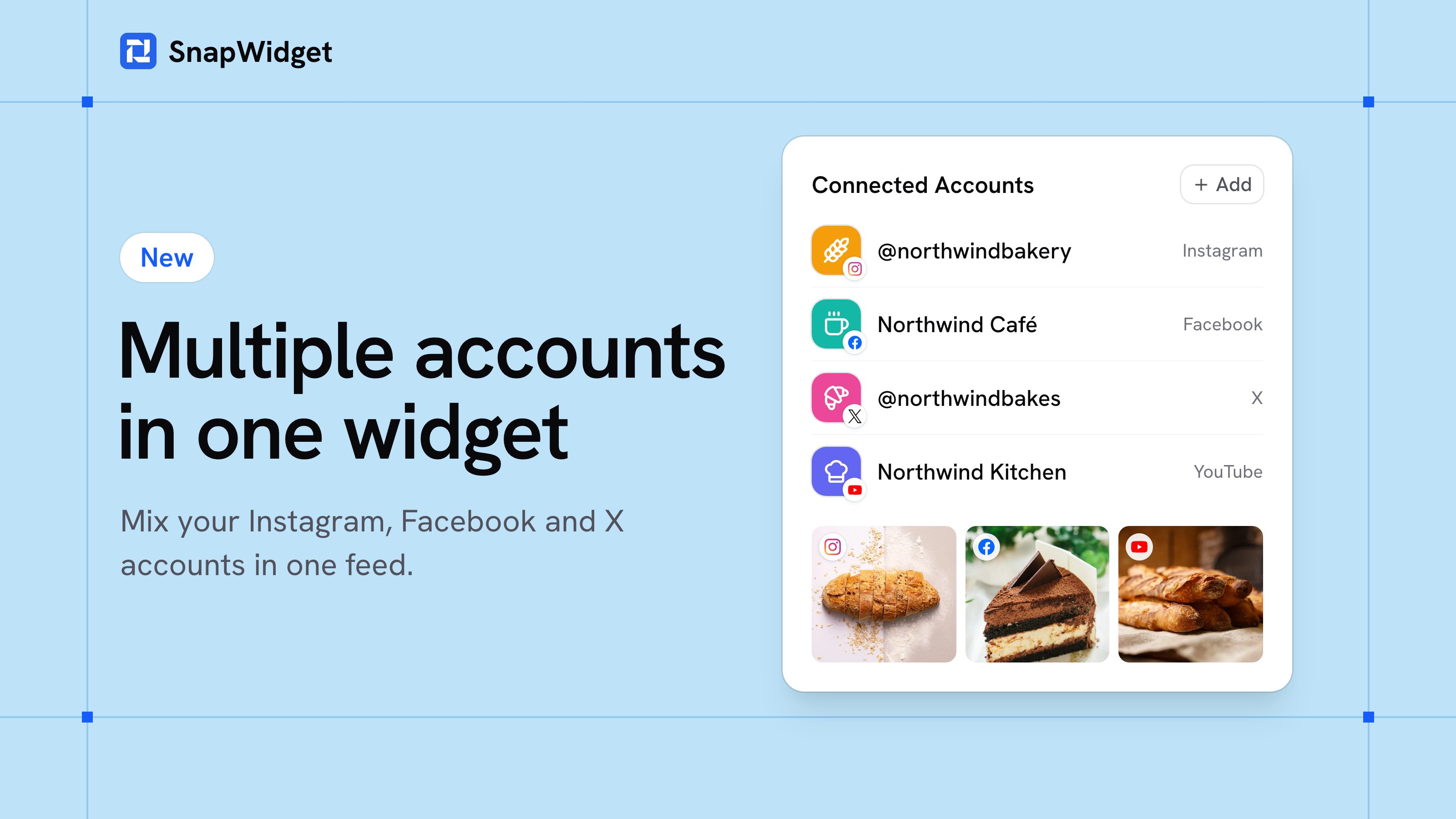
You can now add more than one account to a widget. Show the posts of your Instagram, Facebook and X accounts together in one widget, newest first.
For example, a bakery with two Instagram accounts and a Facebook page can show the posts of all three in one Instagram grid.
How to add an account to a widget
- Open your widget.
- In Connected Accounts, click Add.
- Select one of your accounts, or connect a new one.
The posts of the new account show in your widget. You do not have to change the code on your website.
Good to know
- The first account in the list gives the widget its header and its filters.
- A widget can mix the services that have its layout. For example, a grid can show Instagram, Facebook, X and YouTube accounts.
- All your accounts are now on the new Connected Accounts page. When you reconnect an account there, every widget that shows it gets the new connection.
Accounts per widget
- Lite: 2 accounts in each widget
- Pro: 4 accounts in each widget
- Developer: 10 accounts in each widget
Free widgets show one account. Compare the plans.