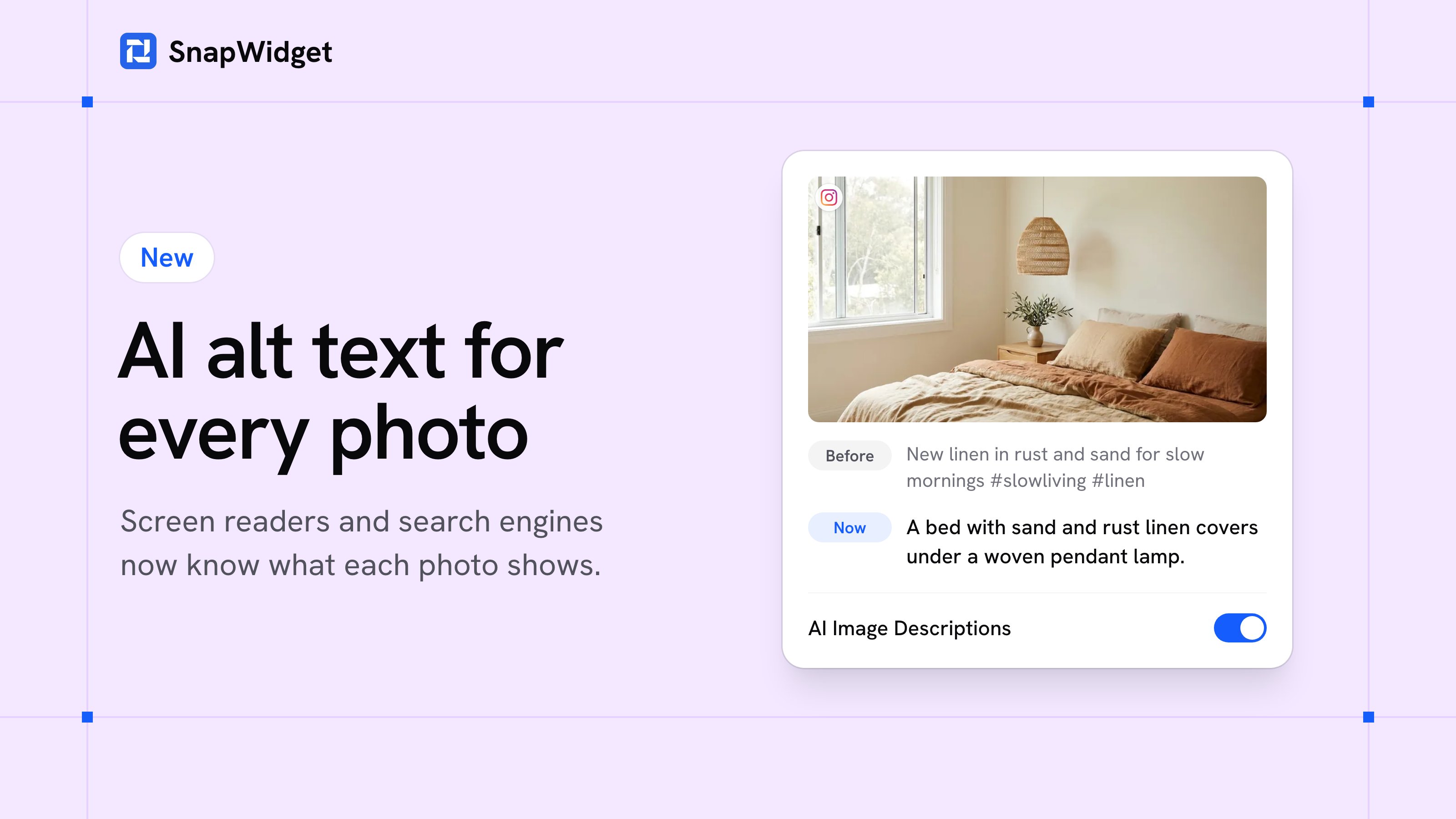
Your widgets now describe each photo for people who cannot see it. SnapWidget uses AI to write a short description of each photo in your Pro widgets and puts it in the photo's alt text. Screen readers read it out, and search engines use it to understand your photos.
What changes
- A description, not hashtags: before, the alt text of most photos was the start of the caption, often only hashtags. Now it says what the photo shows, for example "A bed with sand and rust linen covers under a woven pendant lamp."
- In the language of your captions: a post with a Japanese caption gets a Japanese description. A post without a caption gets an English one.
- Instagram and Facebook: the descriptions are for the photos of your Instagram and Facebook posts.
- On by default: you do not have to do anything. A new post gets its description after your widget first shows it. Until then, the widget uses the caption, as before.
Turn it off
Open your widget, click the Advanced tab and turn off AI Image Descriptions. Then click Save. The widget uses the start of each caption again.
Your photos and captions
Claude, by Anthropic, reads each photo and its caption to write the description. Anthropic does not use them to train its models.
AI image descriptions are on all paid plans, and every paid plan starts with a 14-day free trial. Compare the plans.