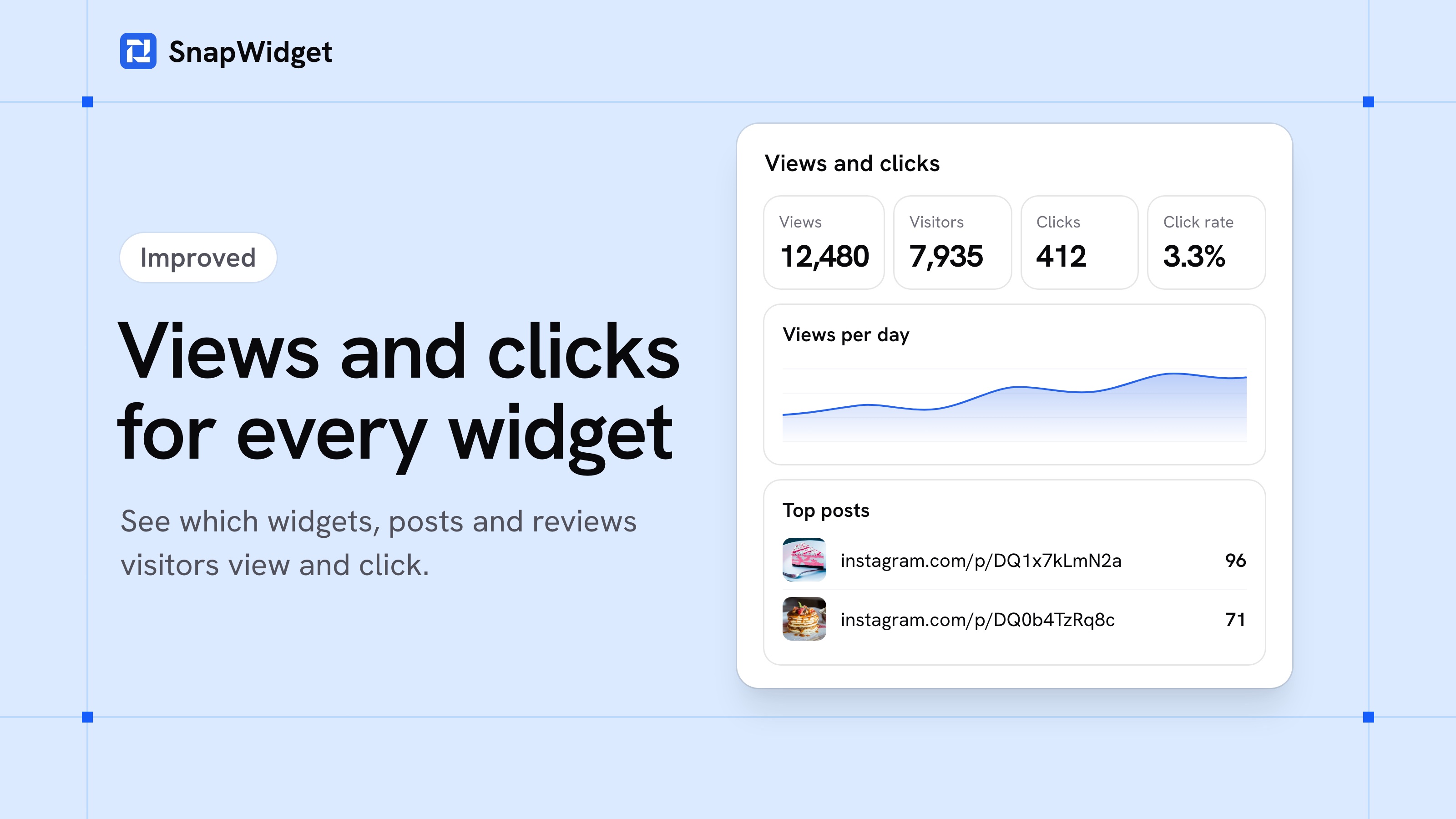
We rebuilt Analytics. You can now see how many times websites show each of your Pro widgets and review widgets, how many visitors see them, and which posts and reviews they click. Use the numbers to find the widgets and posts that work best.
What Analytics shows
- Views and visitors: a view is each time a website shows your widget. Reloads from Auto Refresh do not count.
- Clicks and click rate: a click is a click on a post (to open the post or the lightbox), on a review, or on the rating link of a review widget.
- All widgets or one widget: see the totals of all your widgets and the 20 widgets with the most views. Pick one widget to see its 10 posts or reviews with the most clicks.
- Websites, countries and devices: the sites that show your widgets, where your visitors are, and if they use a desktop computer, a phone or a tablet.
- Your time range: the last 7 days, 30 days, 90 days or 12 months.
Where to find it
Click Analytics in the sidebar. The numbers update every hour. Counting started on October 28, 2026, so your charts start on that day. The Analytics docs explain each number.
Analytics is on all paid plans, and every paid plan starts with a 14-day free trial. Compare the plans.