

Analytics counts Pro widgets and review widgets. Pro widgets come with the Lite, Pro and Developer plans. Every paid plan starts with a 14-day free trial. See Free and Pro widgets.
Open Analytics
1
Open Analytics
Click Analytics in the sidebar of your dashboard.
2
Select your widgets
Keep All widgets to see all your widgets together, or select one widget in the list.
3
Select the time
Click 7 days, 30 days, 90 days or 12 months.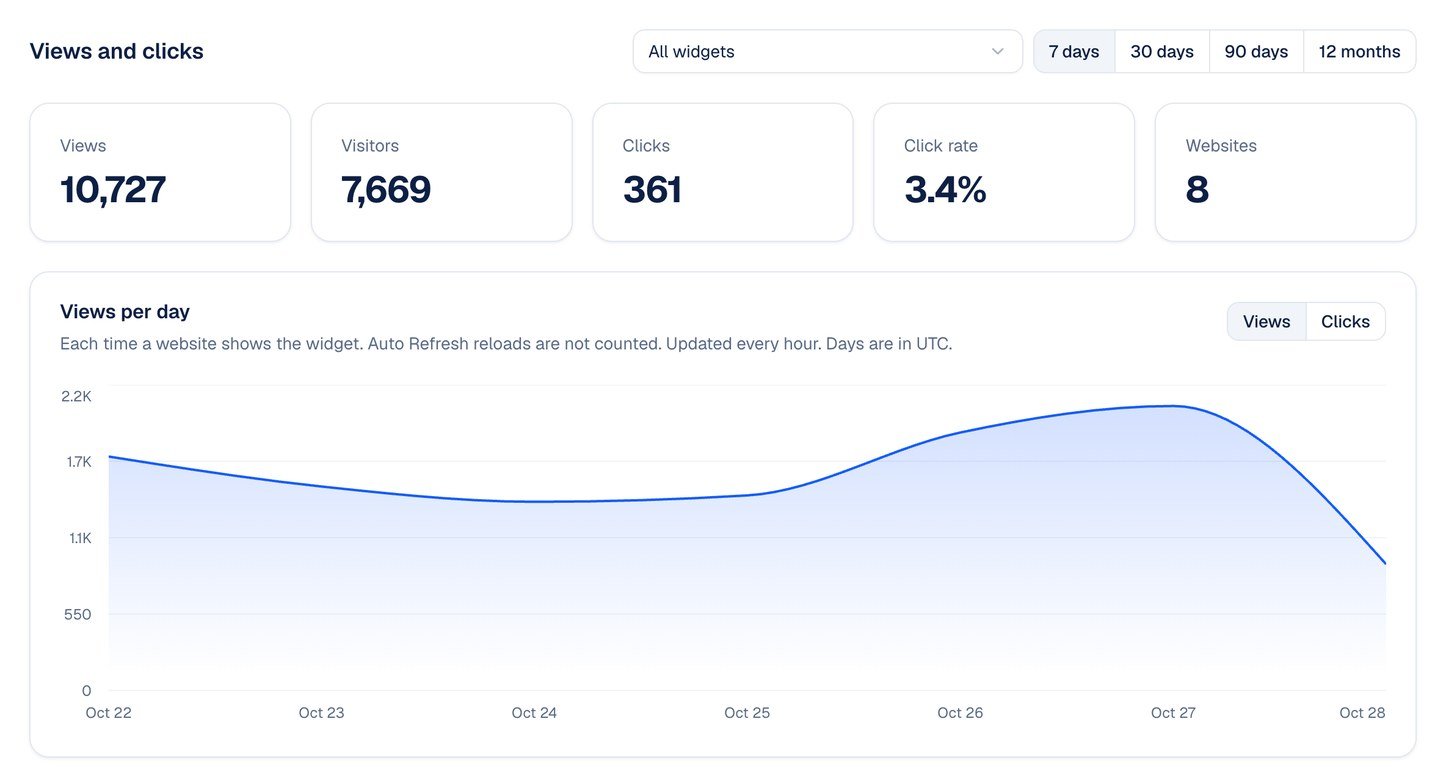
What the numbers mean
- Views: each time a website shows the widget. When Auto Refresh reloads the widget, that is not a new view. Pages on snapwidget.com, such as the preview in the widget builder, do not count.
- Visitors: the different visitors of each day, added up. A visitor who comes back on another day counts again.
- Clicks: on a Pro widget, each click on a post to open the post or the lightbox. On a review widget, each click on a link, the video or Read more of a review, and each click on the rating link.
- Click rate: the clicks divided by the views.
- Websites: the number of websites that show the widget.
Charts and lists
- Views per day: click Views or Clicks to change the chart. For 12 months, each point is one week.
- Widgets: with All widgets, your 20 widgets with the most views. Click a widget to see its own numbers.
- Top posts: with one Pro widget, the 10 posts that visitors click most.
- Top reviews: with one review widget, the 10 reviews that visitors click most. Rating link is the rating badge, or the rating above the reviews, which opens the review site.
- Websites, Countries and Devices: the websites that show the widget, where the visitors are, and if they use a desktop computer, a phone or a tablet. Unknown is a website that does not send its address.