

1
Cancel your subscription
Skip this step if you are on the free plan.Log in to SnapWidget. Click your name at the bottom of the sidebar, then click Settings and Subscription. Click Cancel, then click Yes.Your Pro widgets stop working as soon as you cancel.
2
Open your account settings
Click Account in the settings menu.
3
Delete your account
In the Delete account box, click Delete. Click Yes to confirm.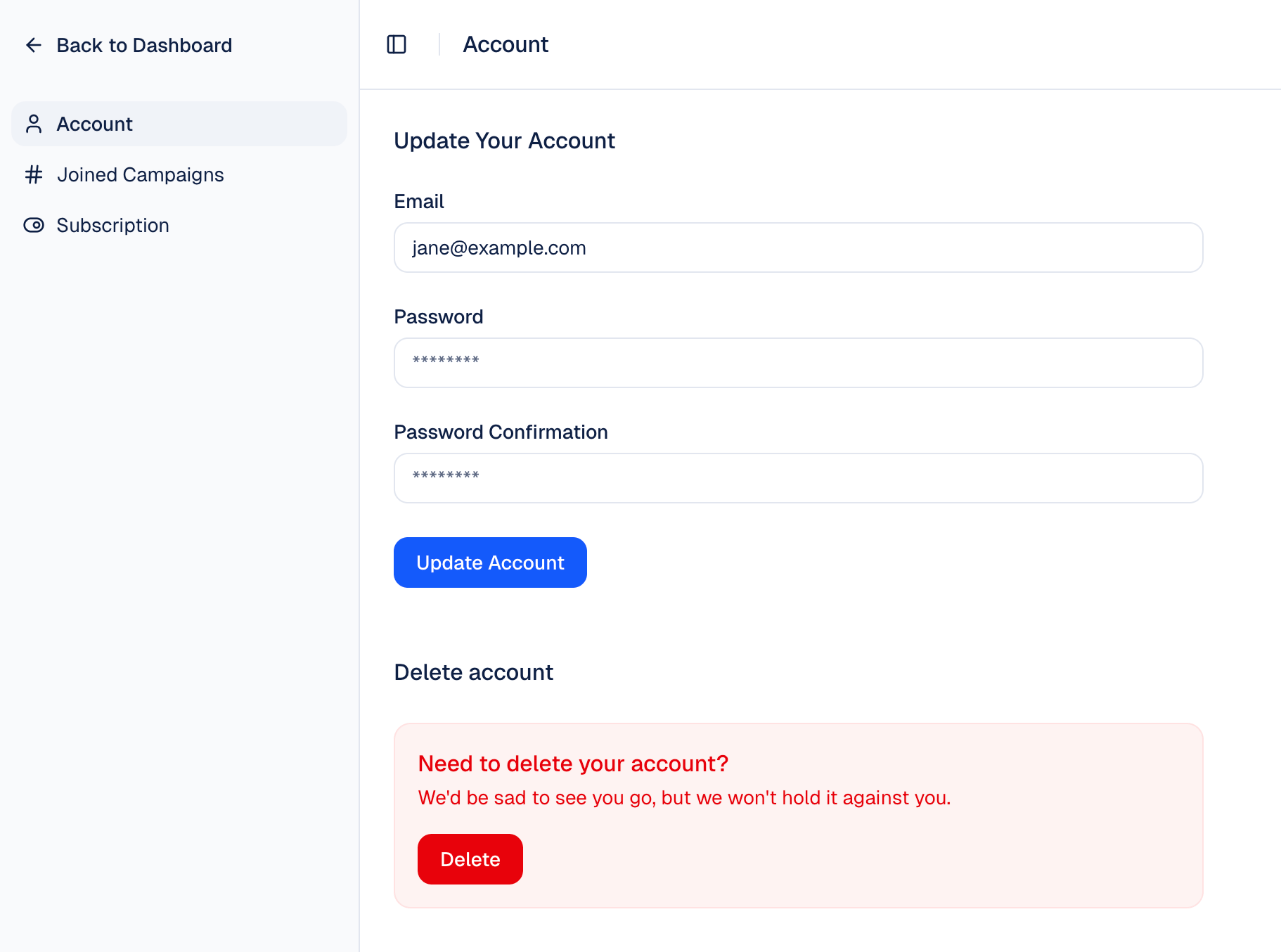
If you cannot cancel your subscription, email support@snapwidget.com and we will help you.