

- Sign In With Instagram: works for every business and creator account. You do not need a Facebook Page. See Create an Instagram widget.
- Sign In With Facebook: for a business or creator account that is linked to a Facebook Page. You need this for a hashtag widget.
Before you start
- Your Instagram account must be a business or creator account. Check your account type.
- Your Instagram account must be linked to a Facebook Page, and you must manage that Page with your Facebook account. To link a Page, see Convert to a business account.
Create the widget
1
Start a new widget
Log in to SnapWidget. On your dashboard, click Choose A Service. If you already have widgets, click Create a new widget instead.
2
Choose Instagram and a layout
Select Instagram, then select a layout, for example Grid. Then click Use the free widget, or click Start Free Trial for a Pro widget.
3
Sign in with Facebook
In the widget builder, click Connect next to Username. In the Select Your Instagram Account window, click Sign In With Facebook.A Facebook window opens. Log in with the Facebook account that manages your Page. When Facebook asks which Pages and Instagram accounts SnapWidget can use, select your Page and the Instagram account that is linked to it.
4
Choose your Instagram account
SnapWidget shows the Instagram accounts it found. Click the account you want to show in the widget.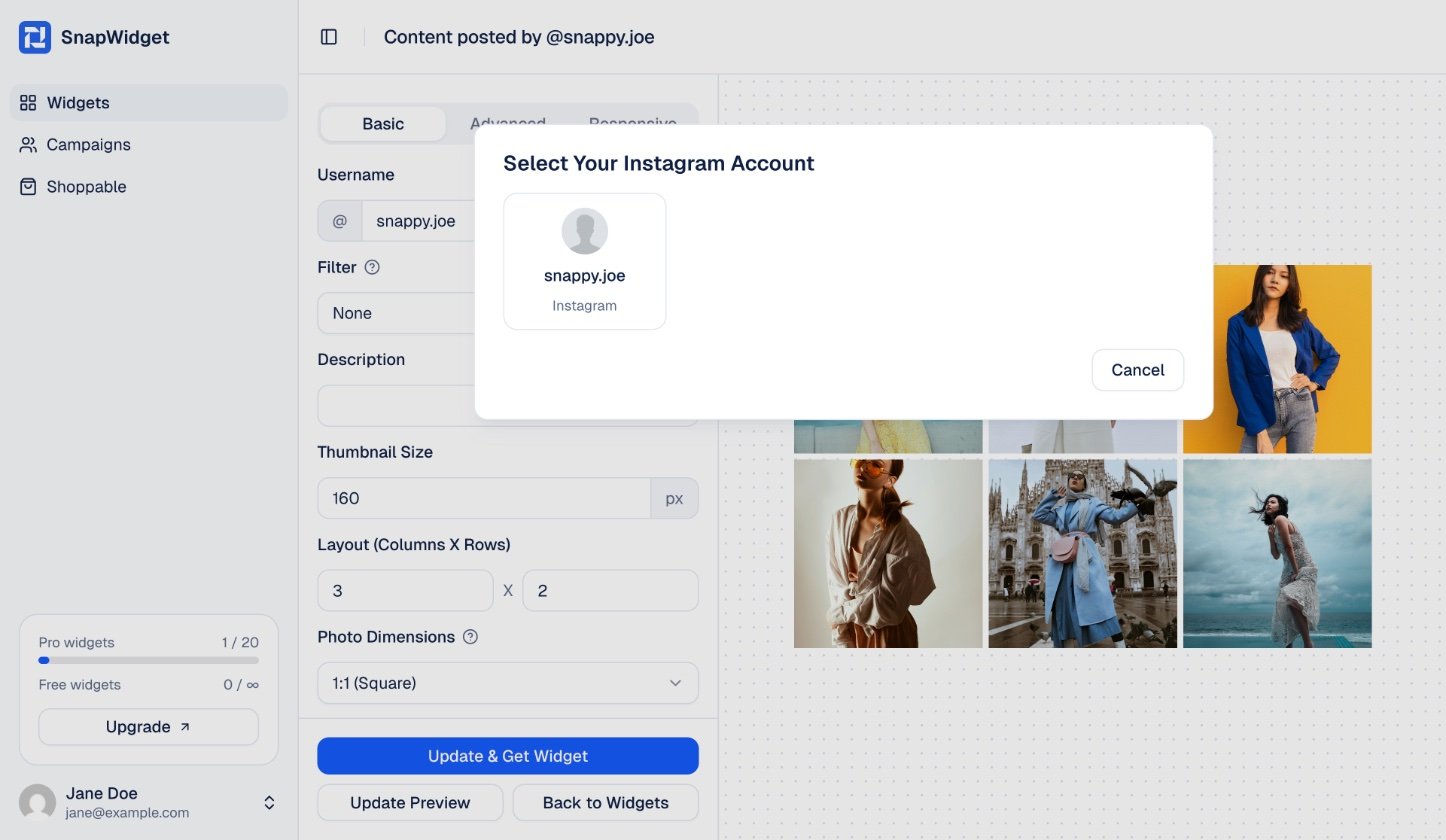
5
Set up the widget and get the code
Change the settings on the Basic tab and click Update Preview to see your changes. Then click Get Widget, and in the You’re One Step Away window, click Copy To Clipboard.
6
Add the code to your website
Paste the code into your website where you want the widget to show. See the guide for your website builder.
If you see “No Instagram accounts found”
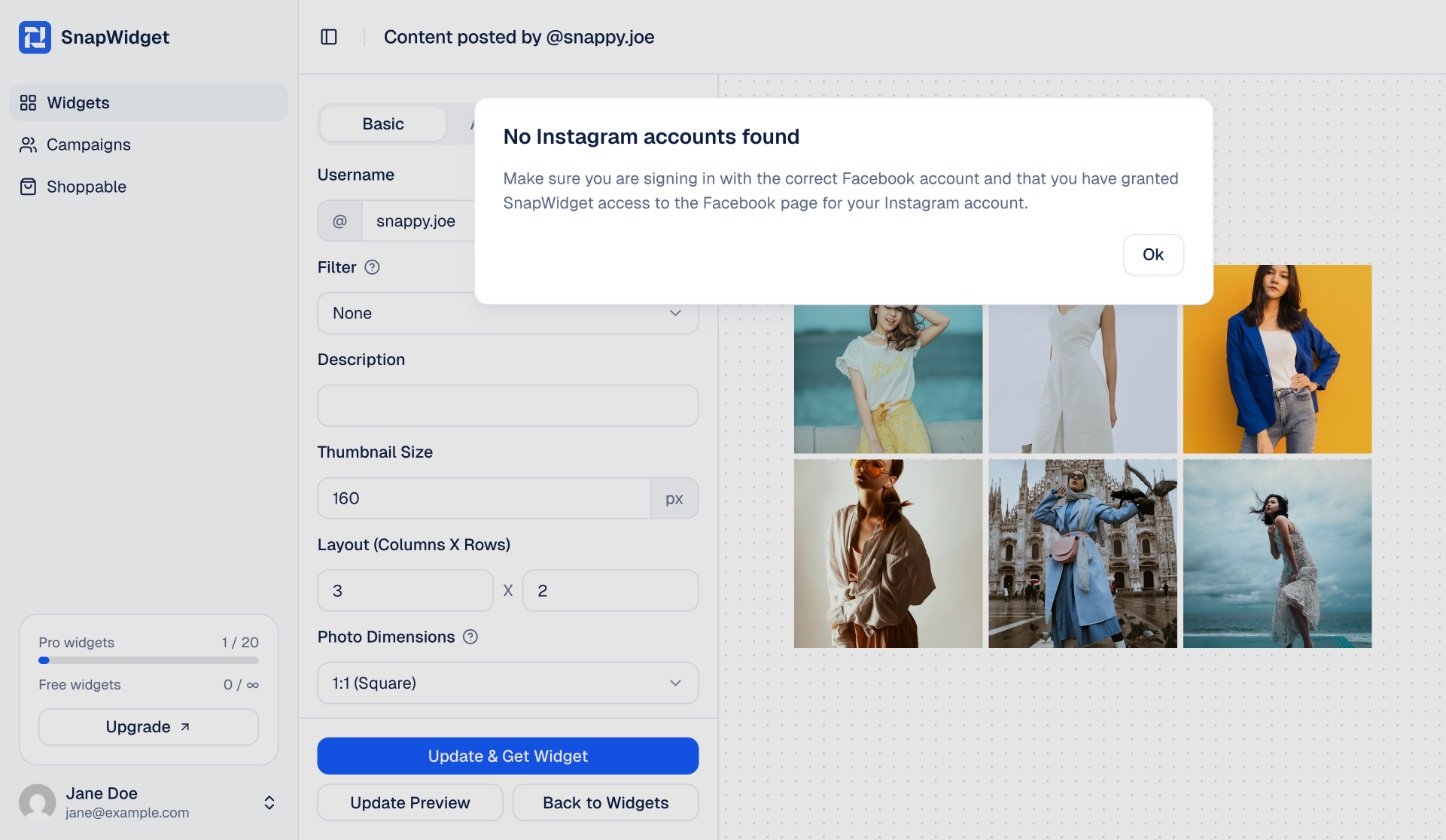
- Make sure you log in with the Facebook account that manages the Page linked to your Instagram account.
- Make sure your Instagram account is linked to that Page. See Check your account type.
- Click Connect again, click Sign In With Facebook, and select both the Page and the Instagram account in the Facebook window.