

Filter needs a Pro widget. The hashtag options need the Pro or Developer plan. Every paid plan starts with a 14-day free trial. See the pricing page.
Set a filter
1
Open your widget
On your dashboard, click the widget.
2
Choose a filter
On the Basic tab, select an option in Filter. For a hashtag option, type the hashtag in Hashtag without the 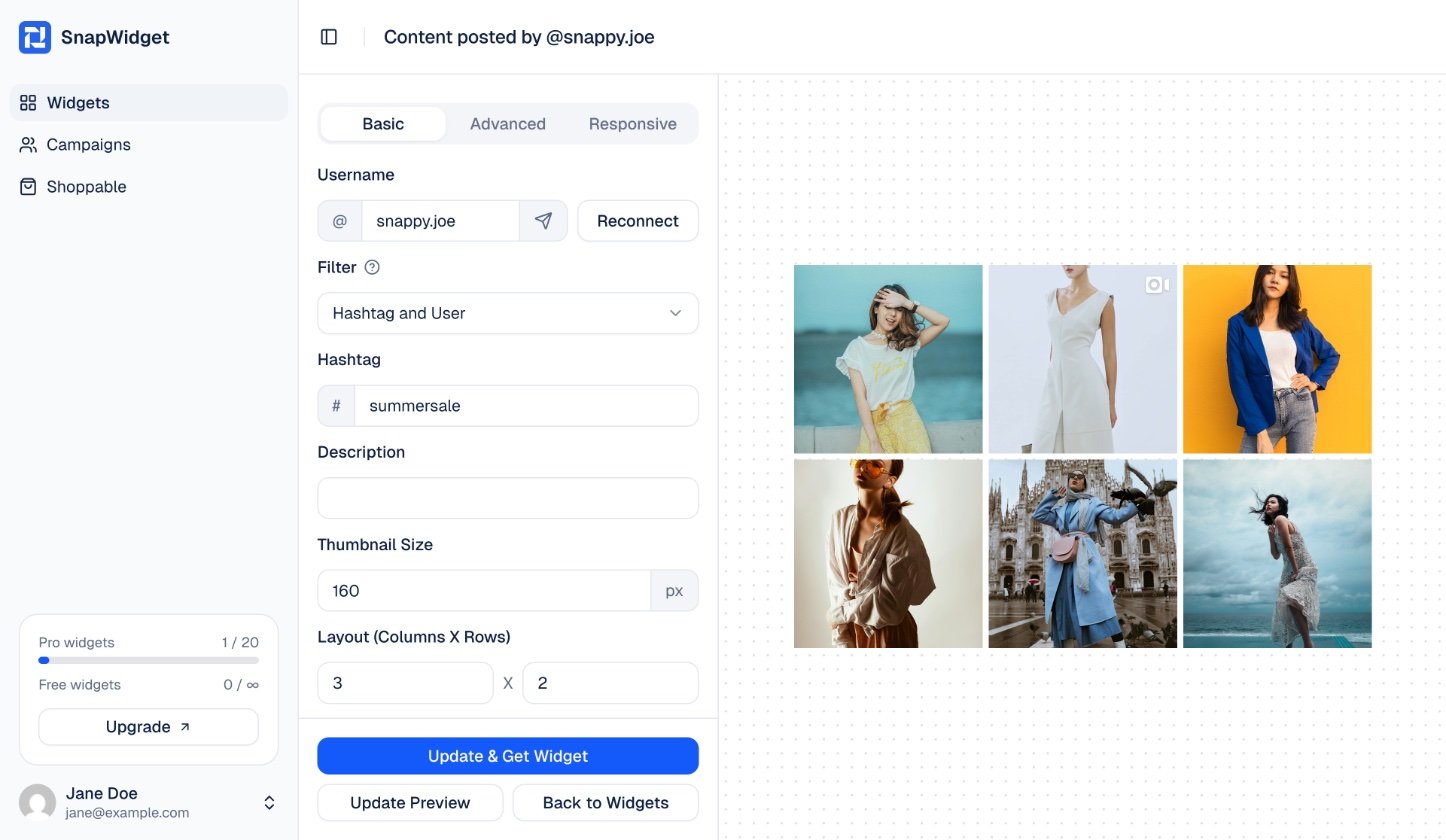
# sign.3
Save
Click Update Preview to see the posts. Then click Update & Get Widget to save. You do not need to change the code on your website.
Instagram filters
The Instagram Feed layout has no Filter setting.
X (Twitter) filters
See X hashtag widget for the full steps.