

Custom CSS needs a Pro widget. Pro widgets come with the Lite, Pro and Developer plans. Every paid plan starts with a 14-day free trial. See Free and Pro widgets.
1
Make a CSS file
Write your CSS in a plain text file, for example
snapwidget.css. See the example below.2
Upload the file
Upload the file to your website or to another host. The link to the file must start with
https://, and anyone must be able to open it in a browser.3
Add the link to your widget
Open the widget from your dashboard. On the Advanced tab, paste the link to your file in Custom Css Url.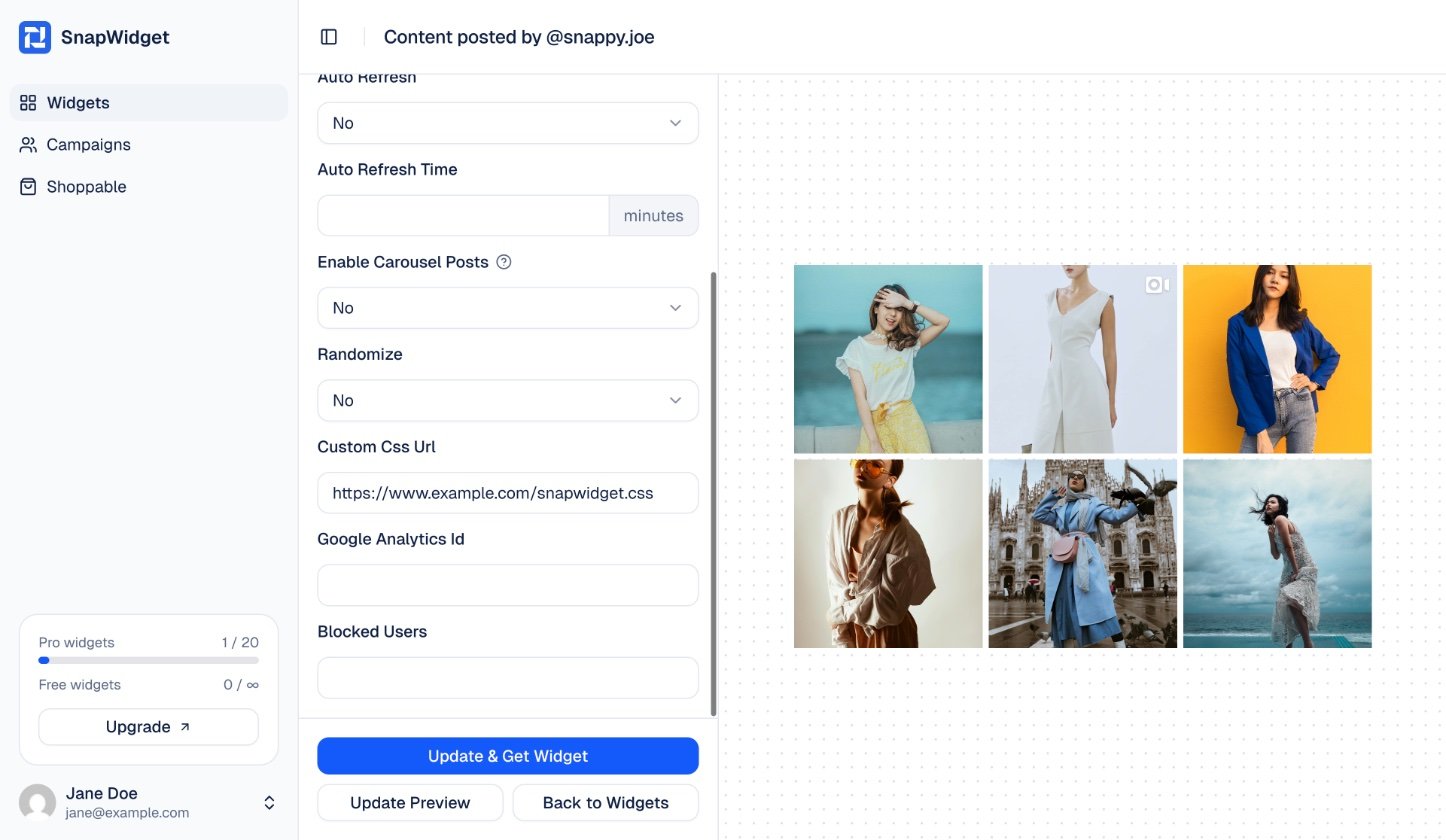
4
Save
Click Update Preview to check your styles. Then click Update & Get Widget to save. You do not need to change the code on your website.