

Both need a Pro Instagram widget on the Pro or Developer plan. Every paid plan starts with a 14-day free trial.
Show posts for a hashtag with a filter
1
Create a Pro Instagram widget
Log in to SnapWidget and create a Pro Instagram widget with the Grid, Board, Slideshow, Scrolling or Popup layout.
2
Sign in with Facebook
Click Connect next to Username, then click Sign In With Facebook. Your Instagram account must be a business or creator account that is linked to a Facebook Page. See Instagram business account widget.
3
Set the filter
In Filter, select one of these: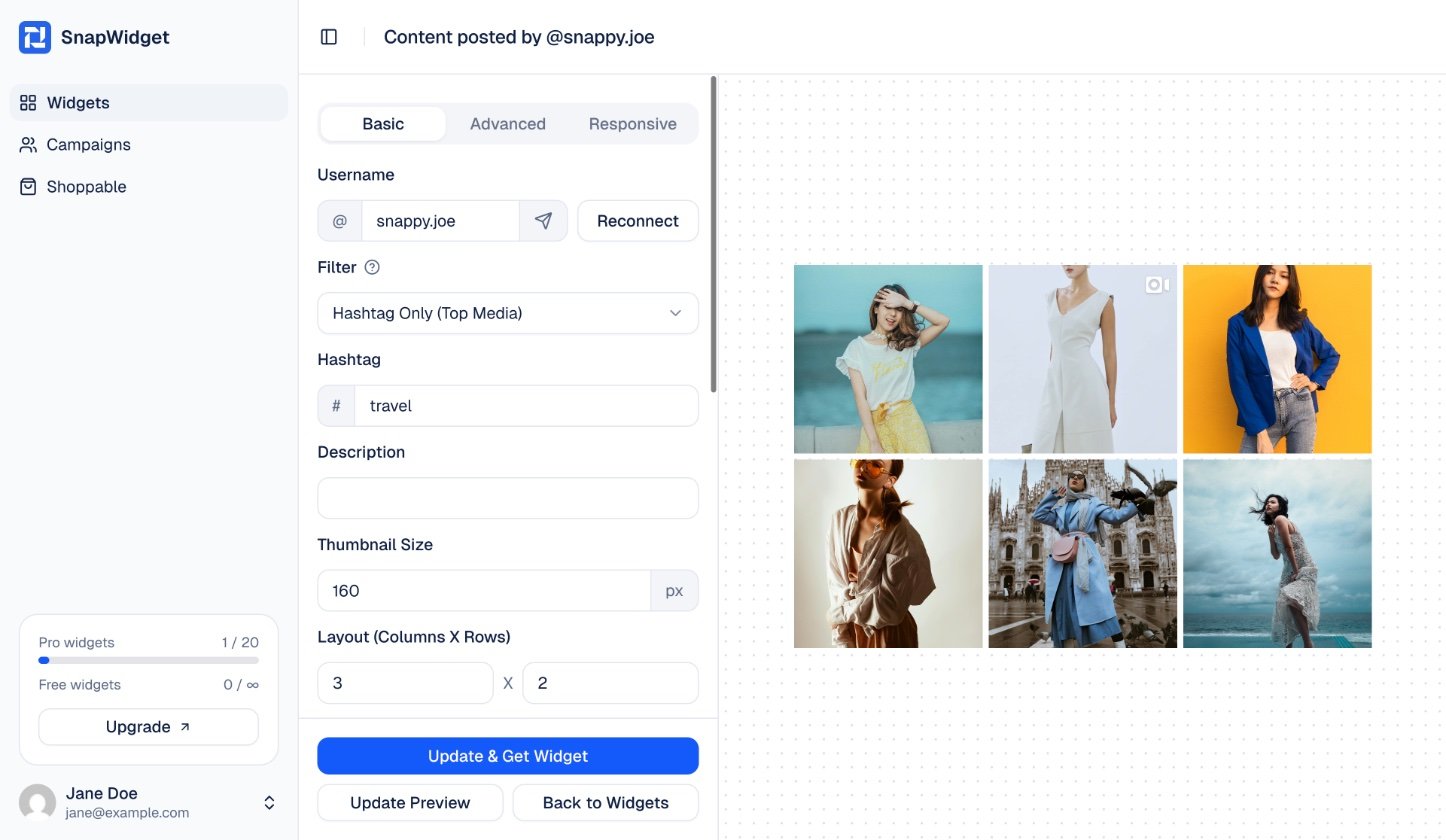
- Hashtag Only (Top Media): the most popular posts with the hashtag.
- Hashtag Only (Recent Media): the newest posts with the hashtag. Instagram only gives posts from the last 24 hours.
4
Get your code
Click Update Preview to check the posts. Then click Get Widget and copy the code to your website.
Instagram lets each account look up at most 30 different hashtags in 7 days. If the widget shows This filter option is not supported, you connected with Sign In With Instagram. Click Reconnect and use Sign In With Facebook instead.
Show posts from people who join a Hashtag Campaign
A Hashtag Campaign gives you a link to share. People who open the link join your campaign. After that, their posts with your hashtag show in your widget.1
Create the campaign
In the SnapWidget sidebar, click Campaigns, then click Create your first campaign (or Create a new campaign). Fill in: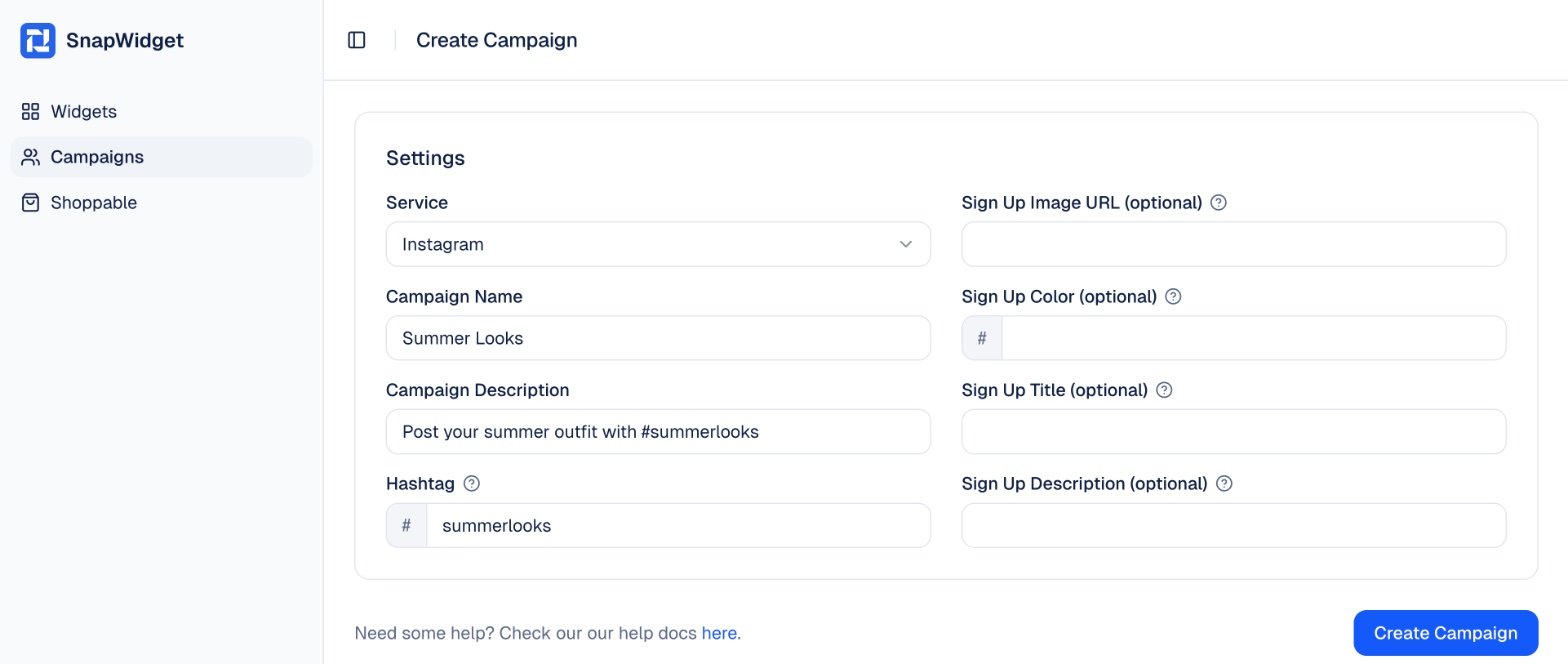
- Campaign Name and Campaign Description: tell people what to post.
- Hashtag: the hashtag to show. You can leave it empty and set the hashtag in each widget instead.
- The Sign Up fields (optional): an image, color, title and description for the page people see when they join.
2
Share the campaign link
SnapWidget shows the link to your campaign. Share it with your customers or followers, or add it to your website.To join, people sign up for a free SnapWidget account and sign in with their Instagram account. Their Instagram account must be a creator or business account.
3
Add the campaign to a widget
Create a Pro Instagram widget, or open one from your dashboard. In Filter, select Hashtag Campaign. In Hashtag Campaign, select your campaign. If the campaign has no hashtag, type one in the Hashtag field.
4
Get your code
Click Get Widget (or Update & Get Widget) and copy the code to your website.