

This needs a Pro widget. On a free widget, clicking a post opens a SnapWidget page, not your Instagram post. You cannot turn this off. Pro widgets come with the Lite, Pro and Developer plans. Every paid plan starts with a 14-day free trial. See Free and Pro widgets.
1
Open your widget
On your dashboard, click the widget.
2
Turn off the links
On the Advanced tab, set Photo Link to None.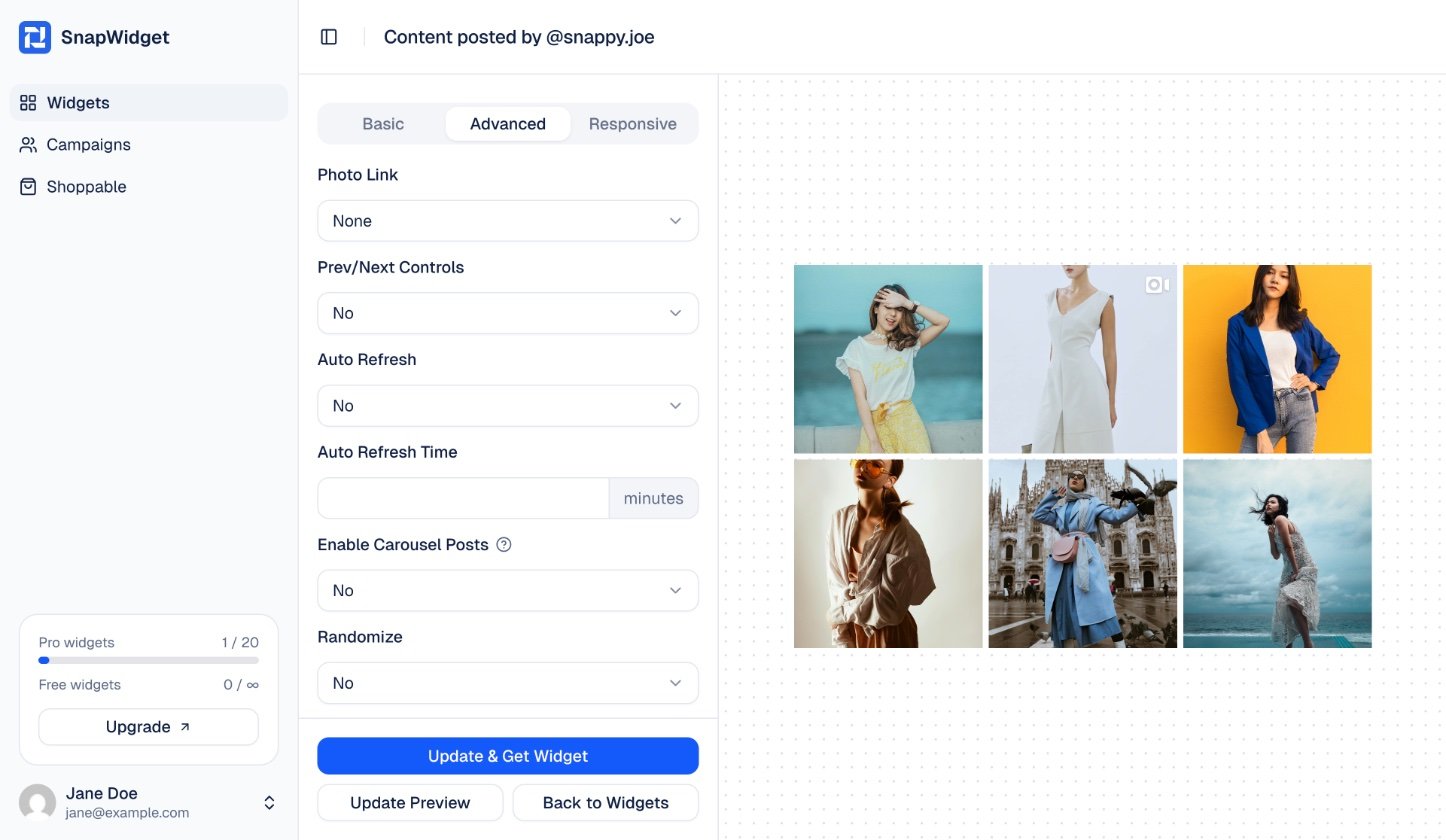
3
Save
Click Update & Get Widget to save. You do not need to change the code on your website.