

2
Start a new widget
On your dashboard, click Choose A Service. If you already have widgets, click Create a new widget instead.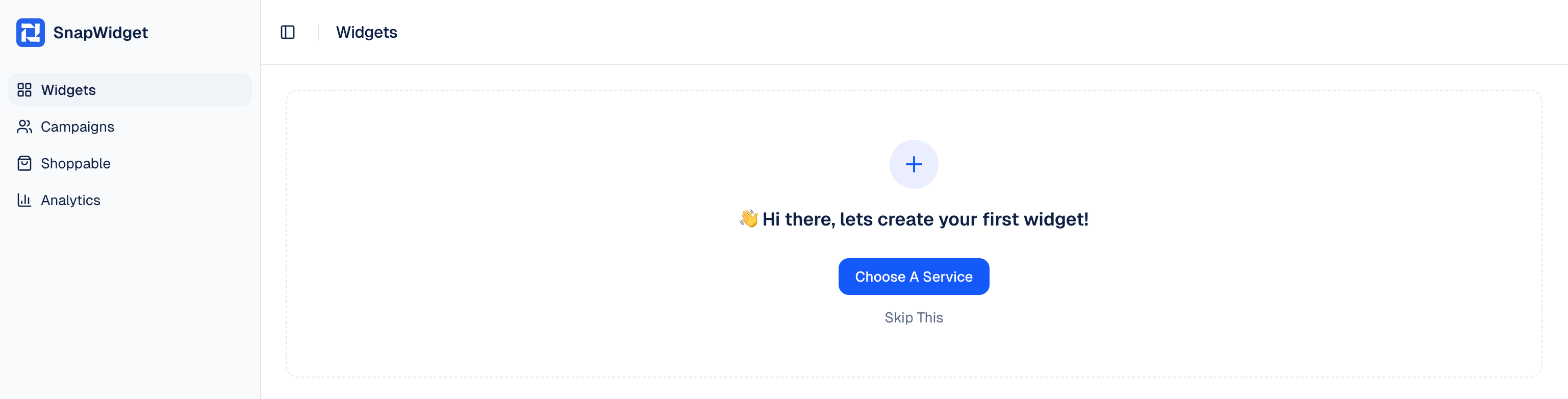
3
Choose Instagram and a layout
Select Instagram, then select a layout, for example Grid. Then click Use the free widget. To use the Pro settings, click Start Free Trial instead. Every paid plan starts with a 14-day free trial.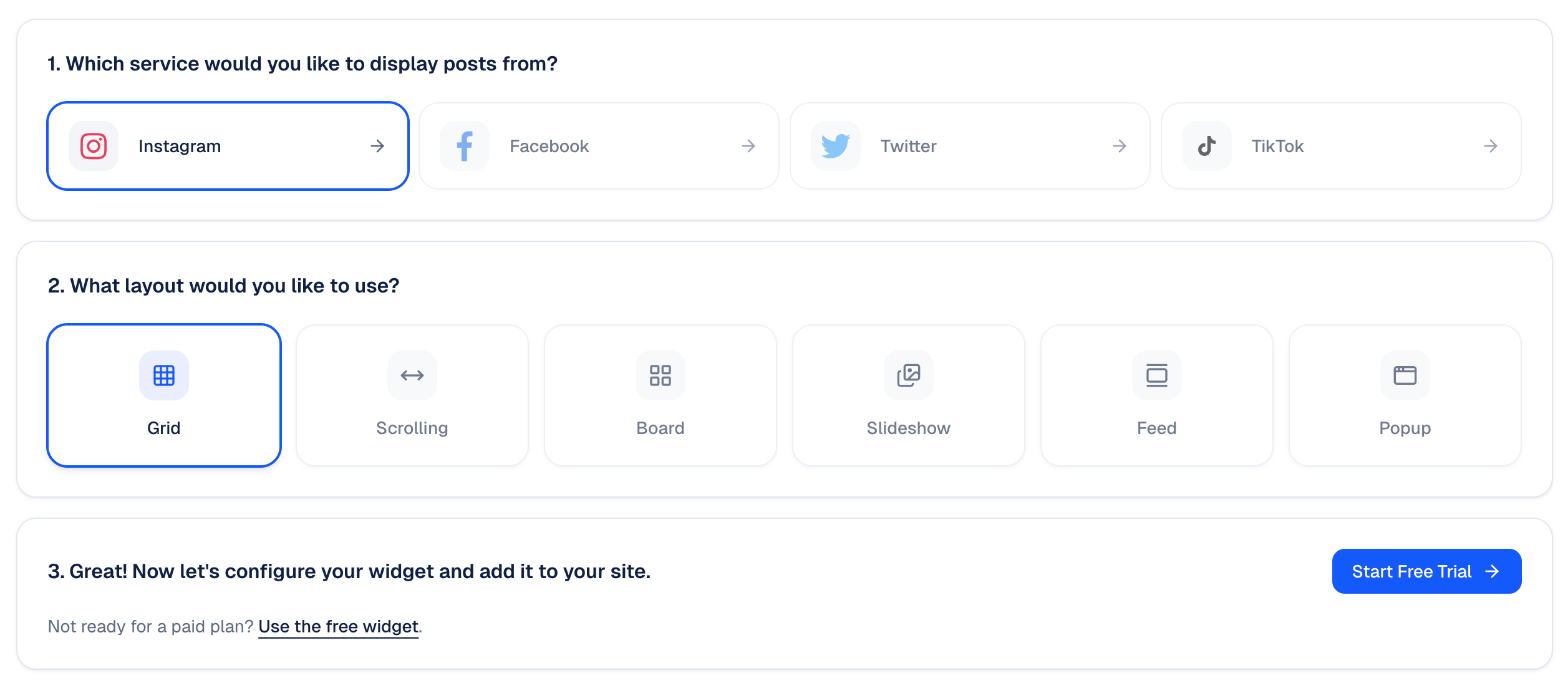
4
Connect your Instagram account
In the widget builder, click Connect next to Username. Then choose how to sign in: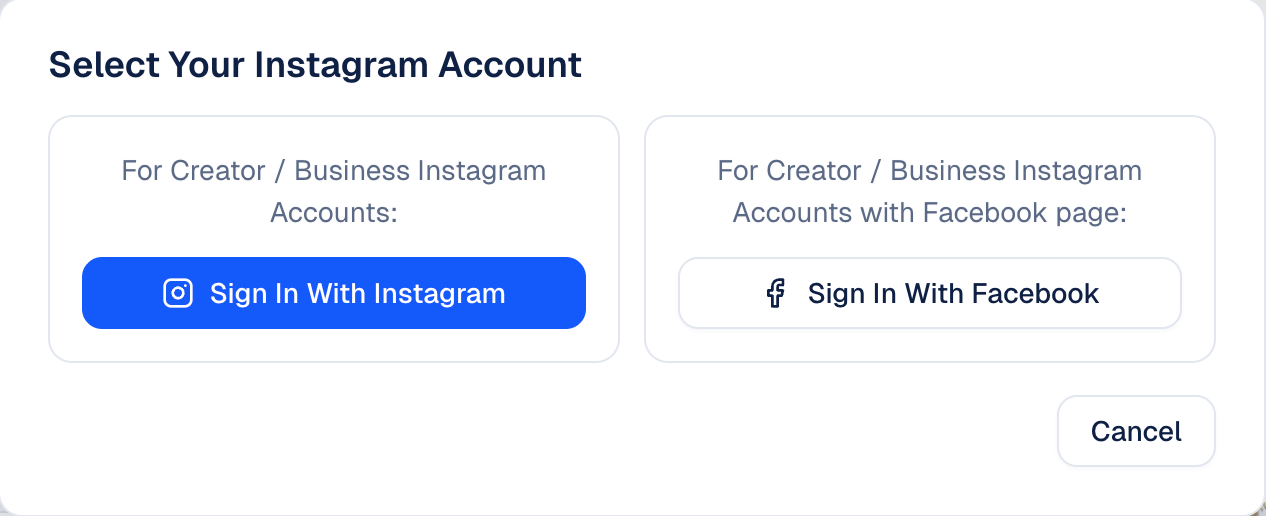
- Sign In With Instagram: for a creator or business account.
- Sign In With Facebook: for a creator or business account that is linked to a Facebook page. Use this if you want a hashtag widget.
5
Set up your widget
Change the settings on the Basic tab, for example Thumbnail Size, Layout (Columns X Rows) and Hover Effect. Click Update Preview to see your changes.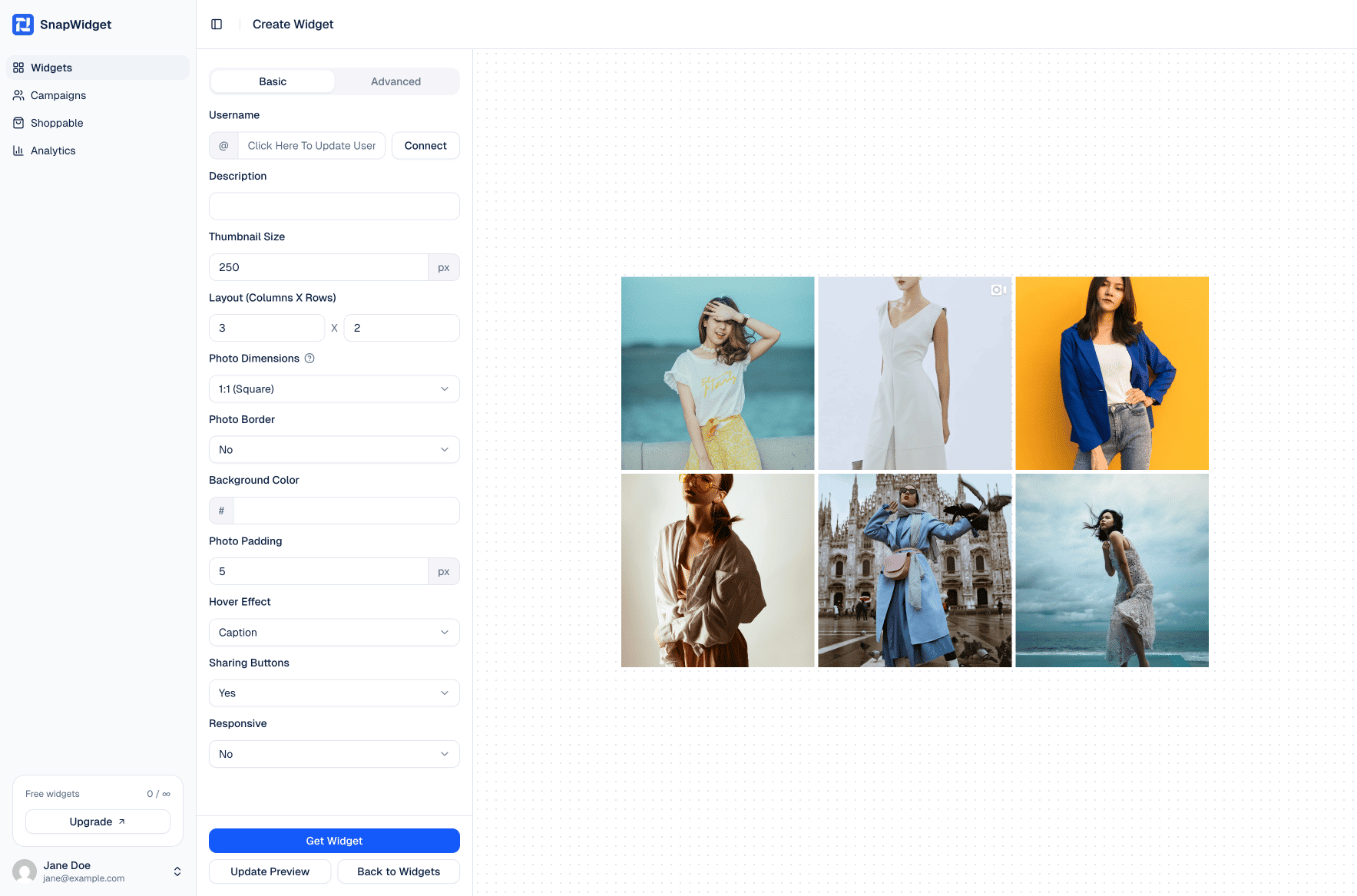
6
Get your code
Click Get Widget. In the You’re One Step Away window, click Copy To Clipboard.
7
Add the code to your website
Paste the code into your website where you want the widget to show. See the guide for your website builder.