

This needs a Pro widget. Pro widgets come with the Lite, Pro and Developer plans. Every paid plan starts with a 14-day free trial. See Free and Pro widgets.
Choose how the link opens
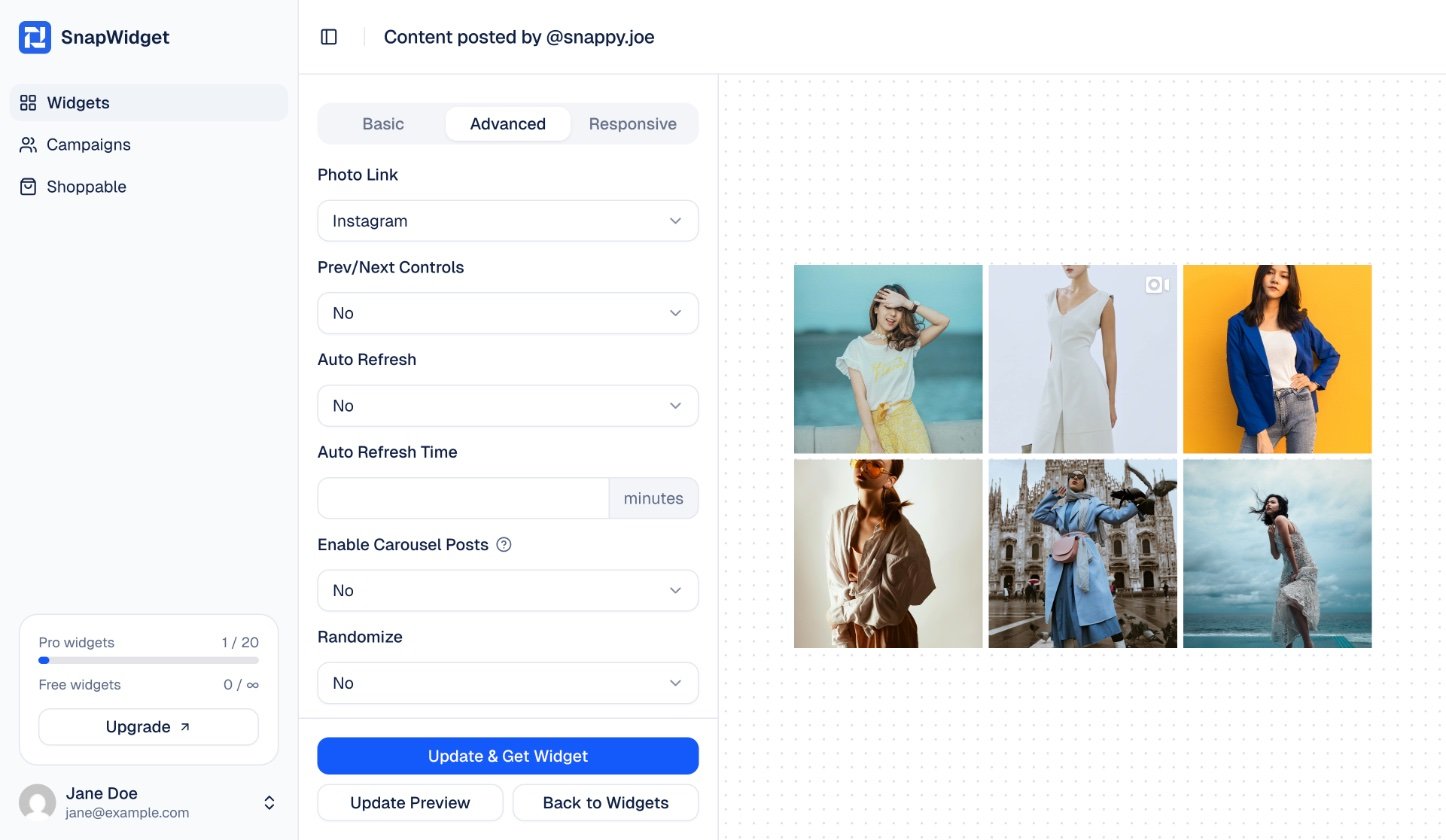
On the Advanced tab of a Pro widget, set Photo Link to one of these options:
Then click Update & Get Widget to save.
Upgrade a free widget that is on your website
If you have a paid plan, you can turn a free widget into a Pro widget. The code on your website keeps working.1
Open the widget
On your dashboard, click the widget.
2
Upgrade the widget
Open the Advanced tab and click Upgrade This Widget To Pro.
3
Check the Photo Link
On the Advanced tab, check that Photo Link is Instagram. Then click Update & Get Widget.