

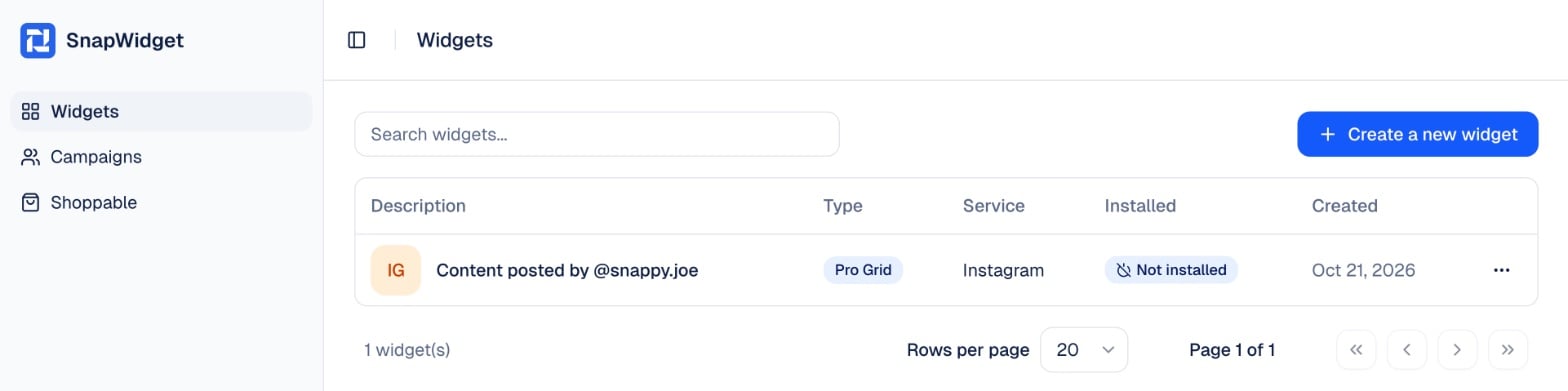
2
Open the widget
Find the widget in the list and click it. To find it faster, type its name in Search widgets….
3
Get the code
Click Update & Get Widget. In the You’re One Step Away window, click Copy To Clipboard.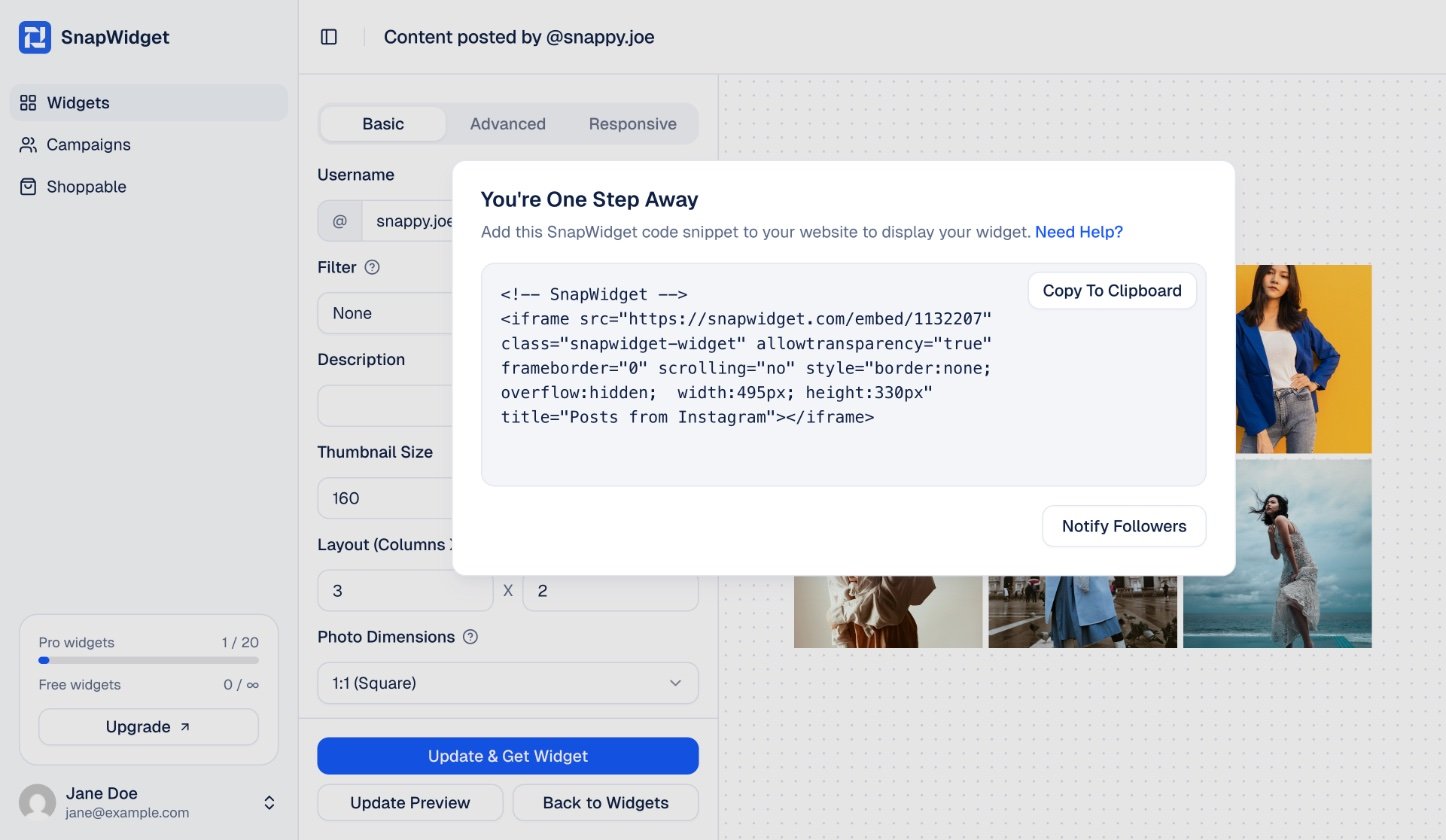
When you change a setting such as Responsive or Photo Link, the code can change too. After you change a setting, copy the code again and replace the old code on your website.