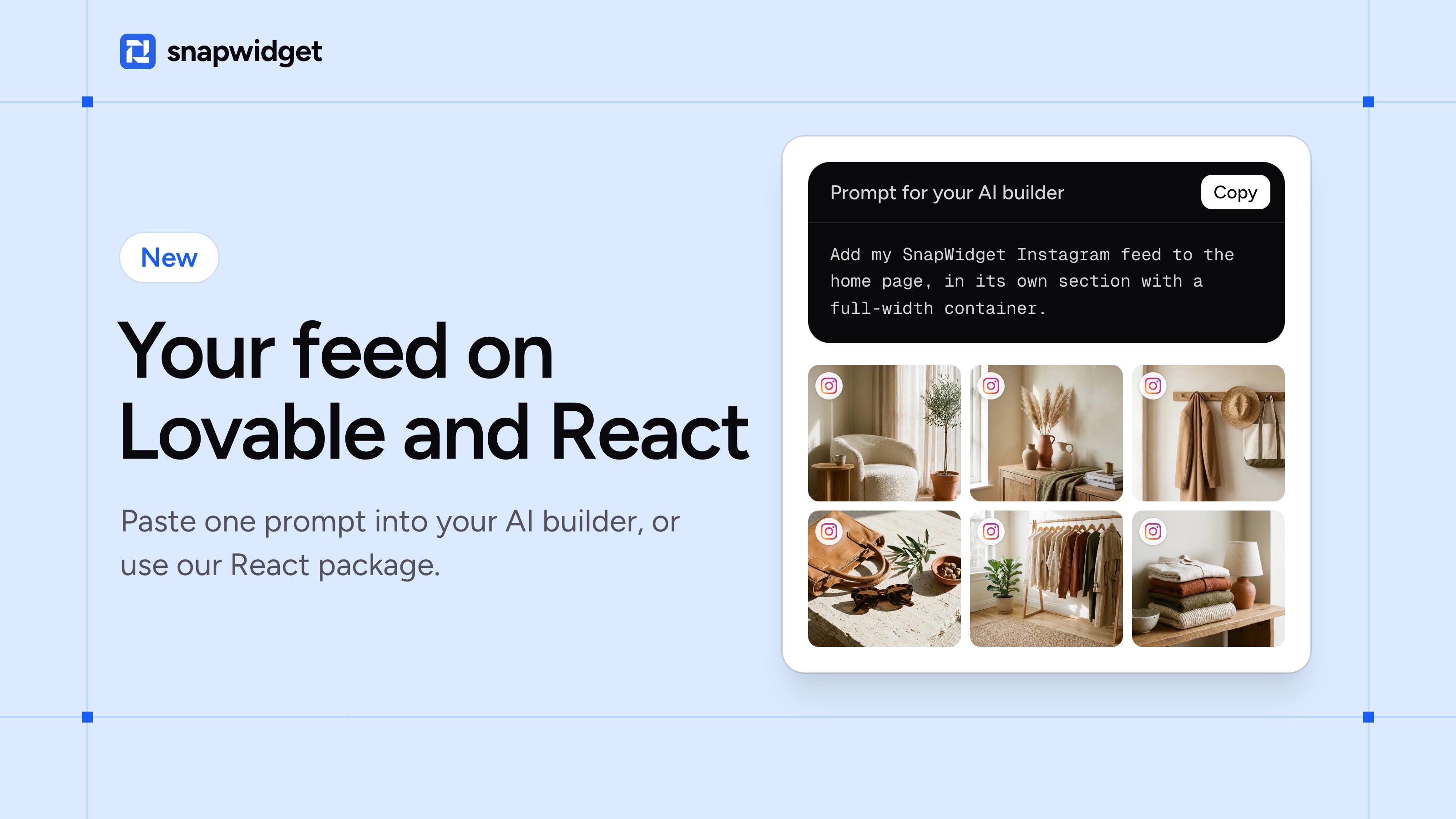
You can now add your SnapWidget feed to a site that you built with an AI builder such as Lovable, or with React or Next.js.
Maybe you pasted your widget code into one of these sites before, and nothing showed up. That's because React skips a script that you paste into a page. Now each of them has its own way to add your feed.
Built with Lovable, Bolt, v0, Replit or Base44
Copy the prompt from our guide, put in your widget ID and paste it into the chat. Your builder adds the feed to your page, and your new posts show up by themselves.
Our guides for Lovable, Bolt, v0, Replit and Base44 have the prompt.
Built with React or Next.js
Install our React package:
npm install @snapwidget/react
Then add your widget where you want it on the page:
import { SnapWidget } from "@snapwidget/react"

<SnapWidget widgetId="YOUR_WIDGET_ID" />
Your reviews and your Facebook, X, TikTok and YouTube feeds work the same way. The React guide and the Next.js guide have the details, and there are guides for Astro, Vue and Svelte too.
It works on every plan, free included.