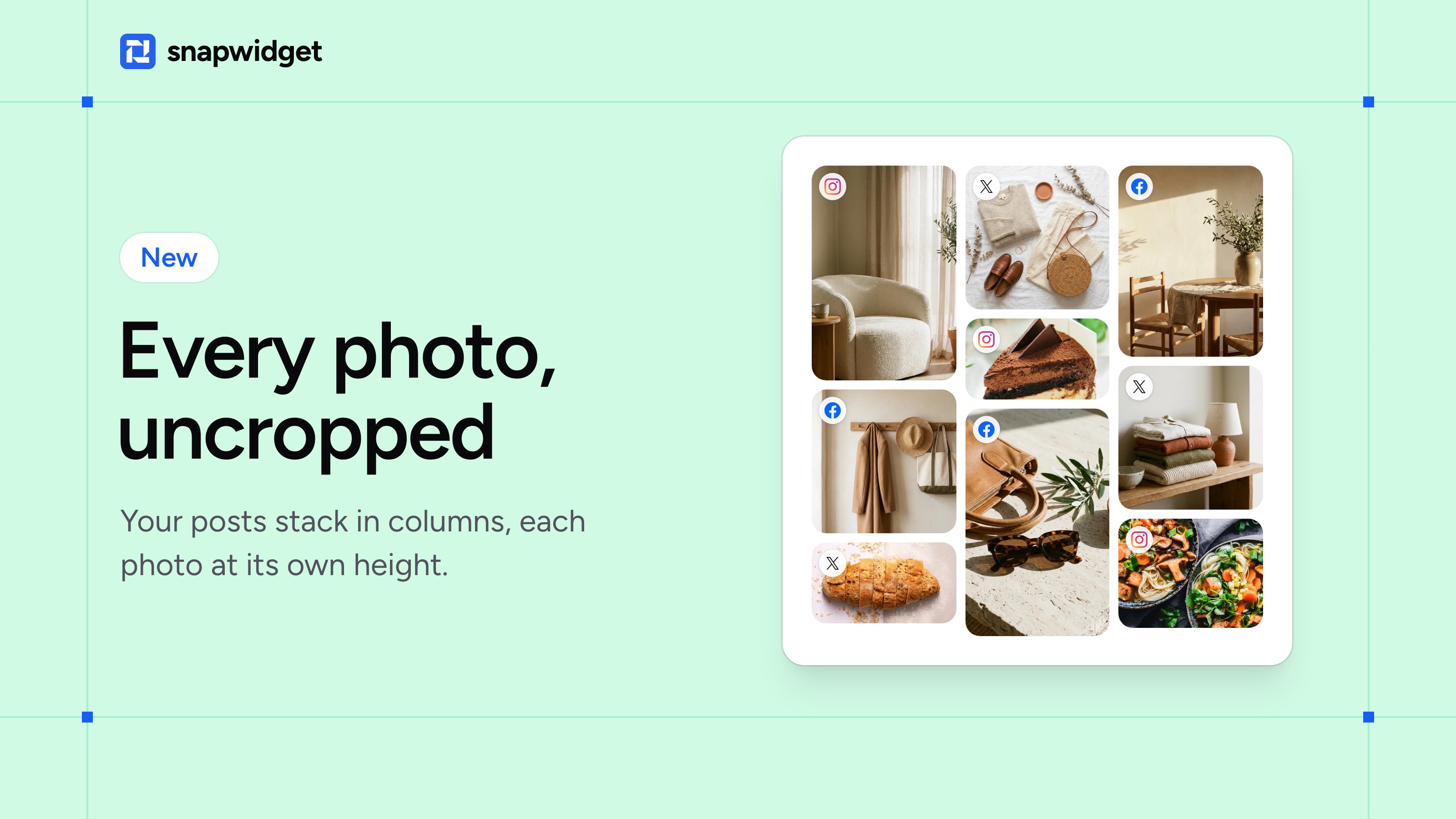
Your tall photos no longer get cut into squares. The new Masonry layout stacks your posts in columns, each at its own height, so every photo shows the way you posted it.
Pick Masonry for your widget
When you create a widget, click Masonry. To change a widget you already have, open it, pick Masonry under Widget Layout and click Save. Then copy the new code from Install Widget and put it on your site in place of the old code, so your widget gets the right height.
Masonry is on every paid plan. Our help page has the full steps.
Round the corners of your photos
You can also round the corners of your photos now, so your widget matches the look of your site. Open your widget and set Rounded Corners under Appearance. It works on Grid, Masonry, Slideshow and Scrolling widgets, on every plan, the free plan too.