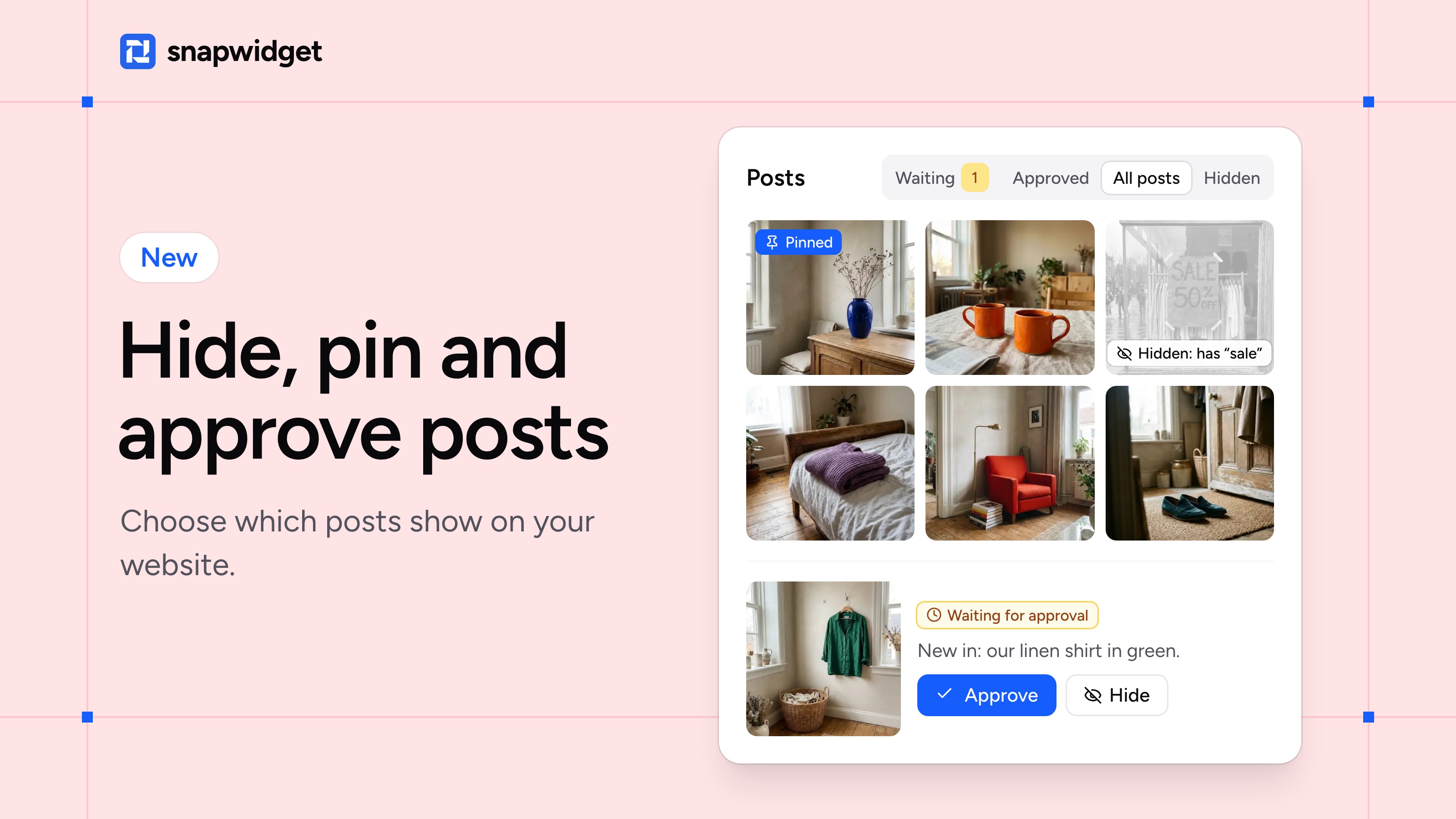
You can now choose which posts show on your website. Hide the sale that ended last month, pin your best posts first, or check each new post before your visitors see it.
Hide or pin a post
- Open your widget and click Posts, next to Preview.
- Under a post, click Hide or Pin: show first.
When you hide a post, the next one moves up into its place, so your widget stays full.
Approve new posts first
Click New posts, select Wait for my approval and click Turn on approval. Your widget keeps the posts it shows today.
From then on, each new post waits on the Waiting tab until you approve it. On a day when new posts come in, we send you one email, so you don't have to keep checking.
Hide posts that use a word
Click Rules and add words such as "sale" or "giveaway" under Hide posts with these words. Posts with those words stay off your widget, also the ones you post next month.
On an Instagram or Facebook widget, you can also keep it to photos only, or to videos and reels only.
Post moderation is on every paid plan. Our help page has the full steps.