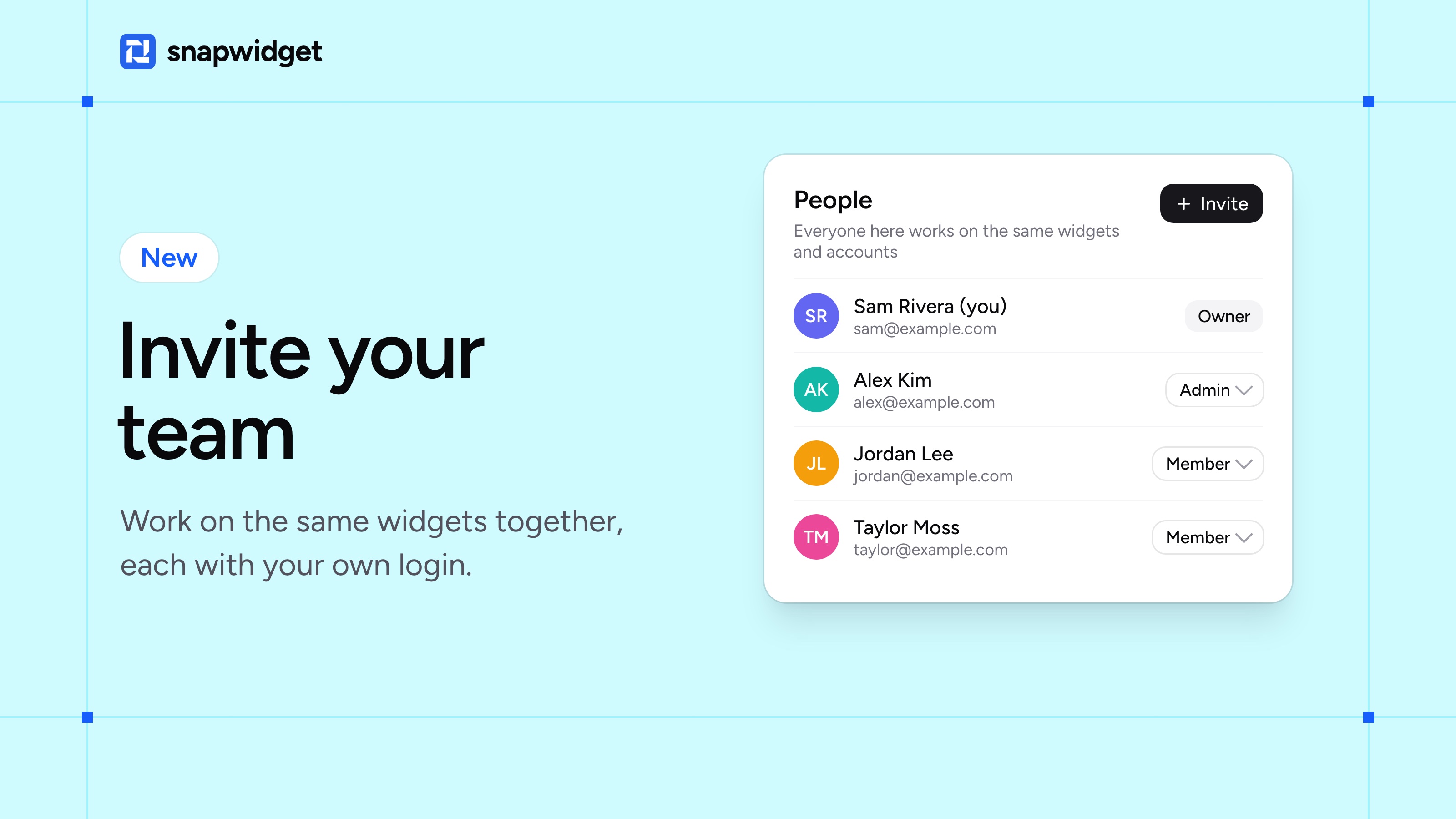
You can now invite the people you work with to your SnapWidget account. They make and change widgets with you, and each person logs in with their own email address.
Invite someone
- Click your name at the bottom of the sidebar, then click Team.
- Click Invite, enter their email address and pick a role.
- Click Send Invitation.
They get an email with a link to join. Admins can invite and remove people too. Members work on the widgets, accounts and reviews. Only you can change the plan and see the invoices.
Your own team stays yours
When someone invites you to their team, you keep your own team too. Click your name at the bottom of the sidebar to switch between them.
Teams are on the Developer plan, with as many people as you need. Our help page has the full steps.