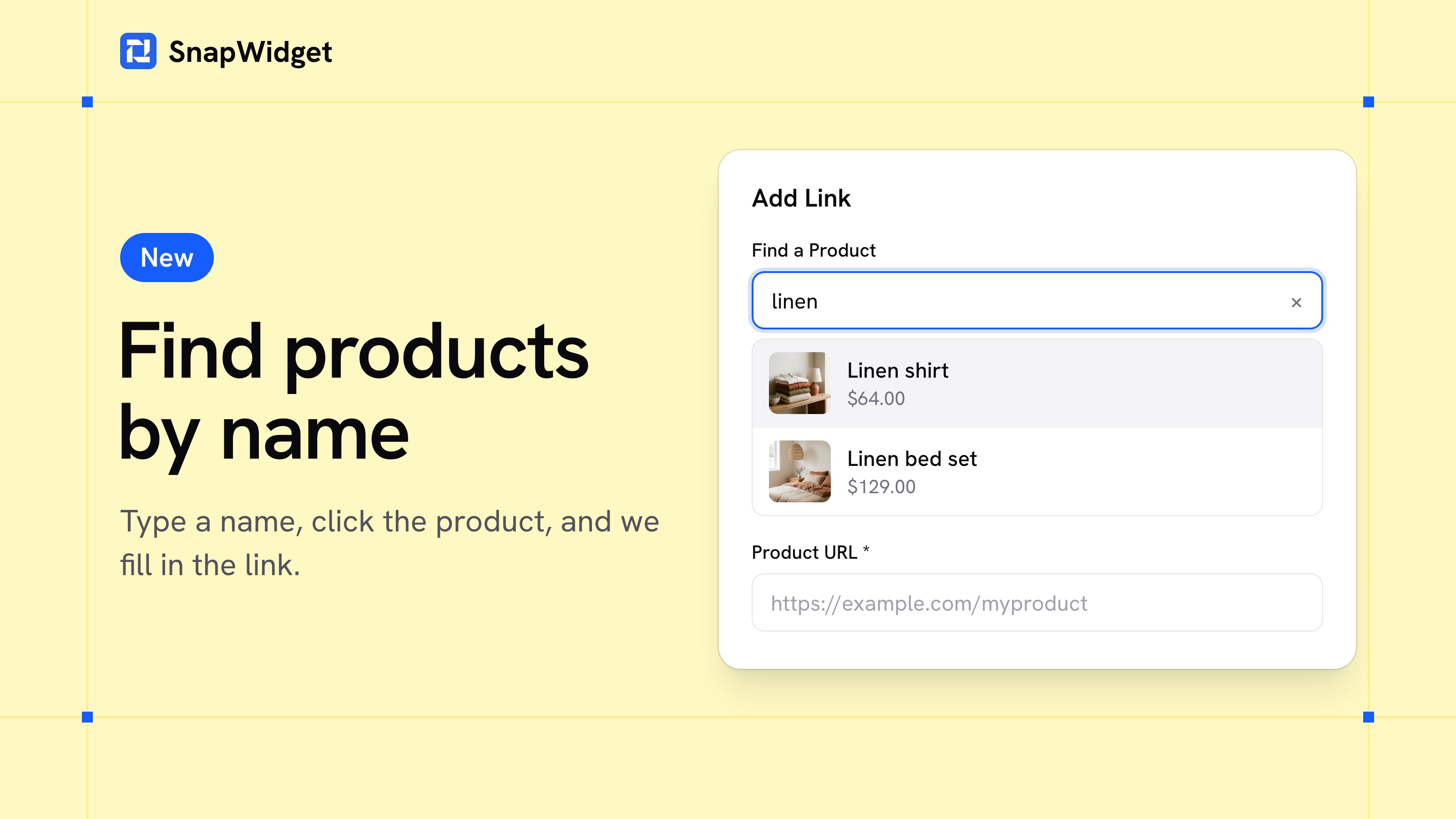
You no longer have to copy a link from your shop for each product you tag. Add your shop's Google product feed to Shoppable once. Then type part of a product's name, click it, and we fill in the link and the name.
Add your feed
- Open Shoppable and click Add Feed.
- Enter your feed's address, or upload the file, and click Add Feed.
With an address, we add your new products and prices each day.
If we can't read your product pages
Some shops don't let us read their pages. With a feed, your cards still show each product's photo and name. Turn on Show Prices and Stock, and they show the price and "Sold out" too.
The Shoppable photos guide shows which feeds work and how to add one.
Shoppable comes with every paid plan, and you can try it free. See the plans.