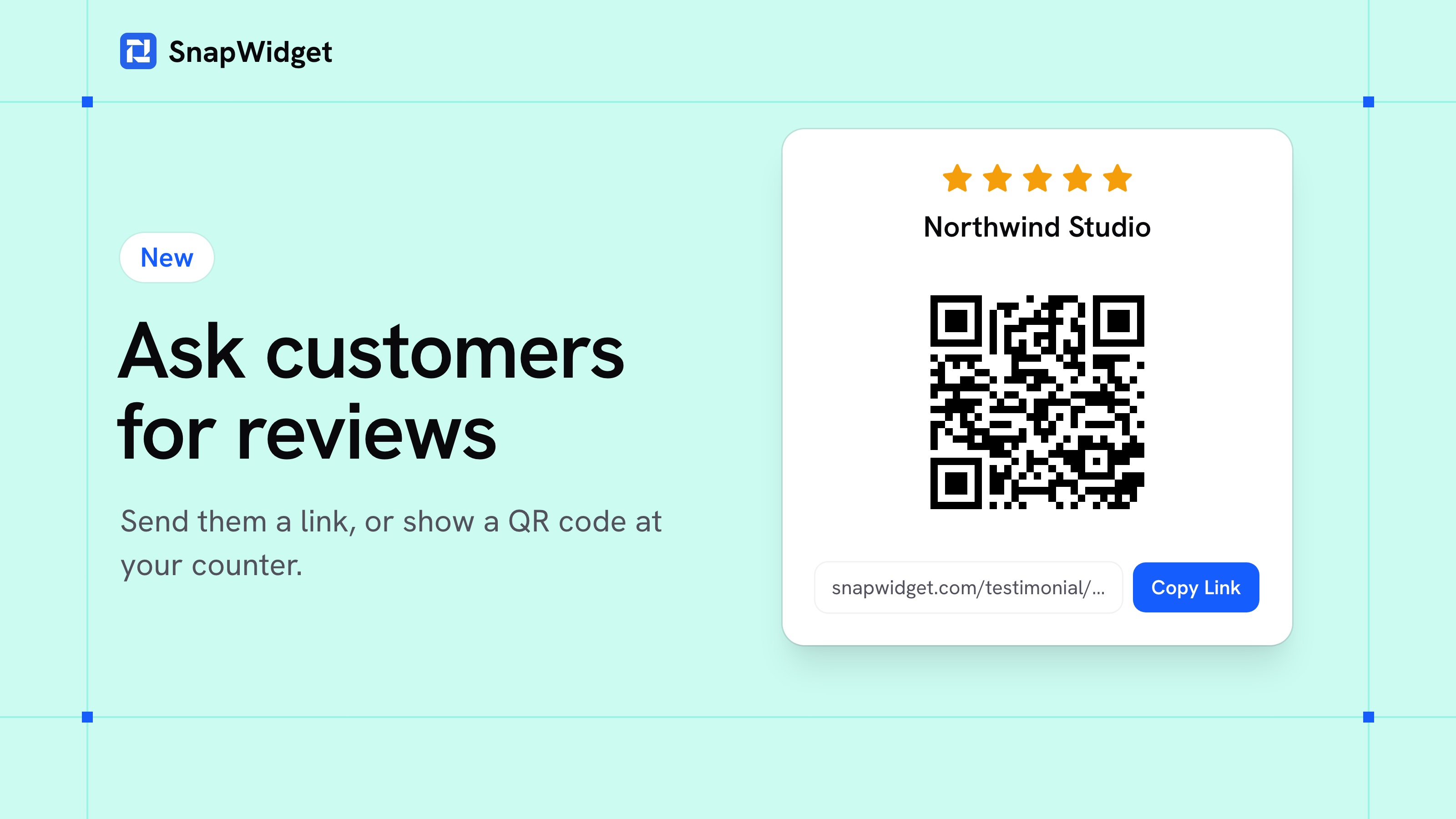
You can now ask your customers for a review from SnapWidget. Send them a link, or put a QR code on your counter.
Testimonials on your own form
Your customers write their testimonial on your own form, with your logo and your words at the top. They don't need an account. We email you when new ones come in, and you choose what goes on your website with your testimonial widget.
- On the Sources page, click your Your reviews source.
- Click Set Up Your Form, type your business name and click Save.
- Click Copy Link, or click Share for the QR code and a short text for an email.
Ask for a Google review
Your Google source has a link and a QR code too. They open Google's review form for your business, so your customers don't have to look for you. New reviews then come into SnapWidget by themselves, ready for your Google reviews widget.
Our free Google review link generator gives you the same link and QR code for any business, and it needs no account.
Find a review
Finding one review in a long list took a lot of scrolling. You can now search your reviews and filter them by rating. You can also add a photo to a review you typed in yourself.
Our help page has the full steps.