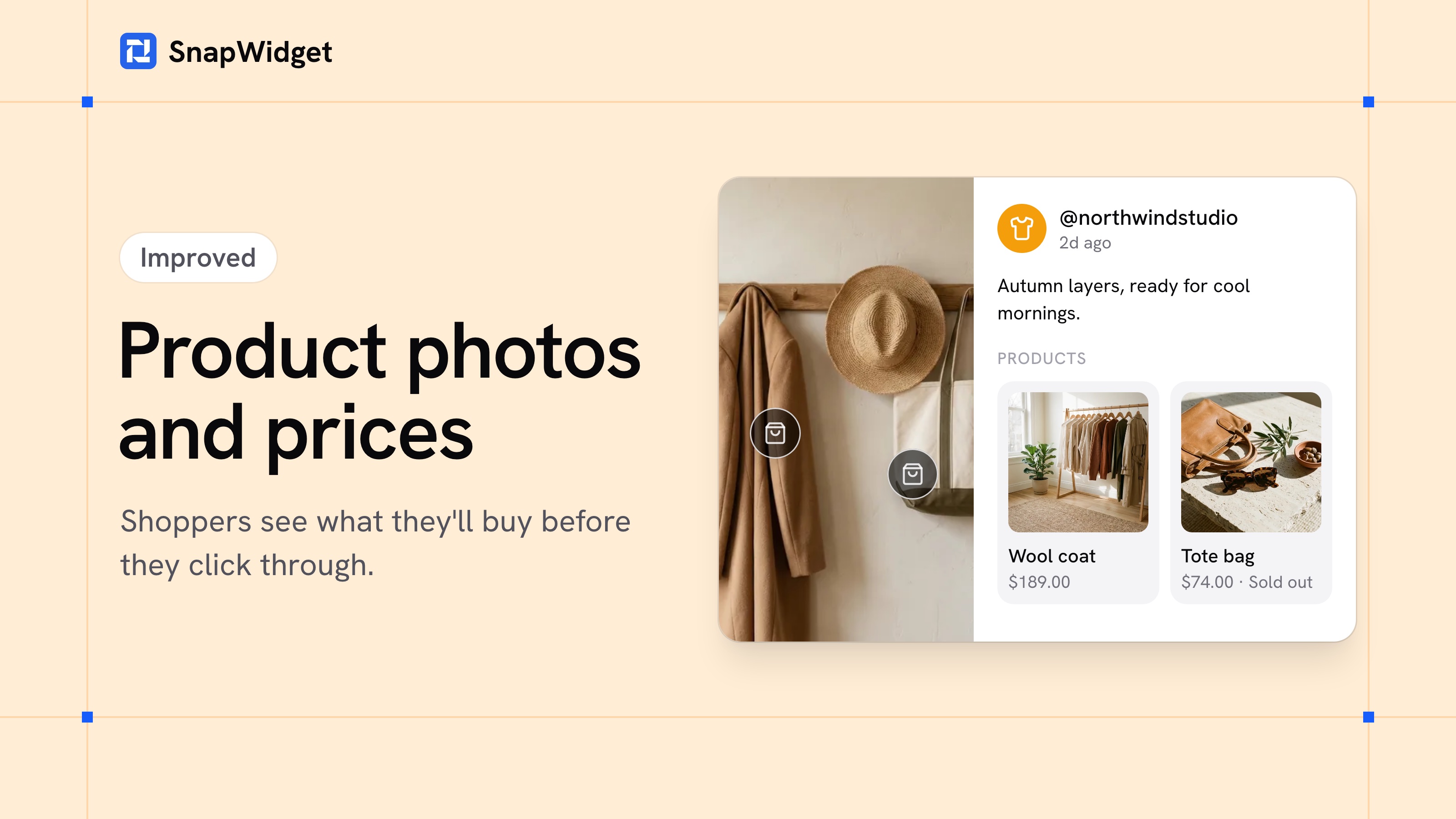
When a shopper opens one of your Shoppable photos, they now see the products in it: a picture and a name for each one, and the price if you want it. You only paste the product link. We fill in the rest from your product page.
If you already typed your own product names, we keep them.
Show prices and stock
- Open your Shoppable widget and click the Advanced tab.
- Turn on Show Prices and Stock, then click Save.
Each product then shows its price, and "Sold out" once every size has sold out, so shoppers don't click through to something they can't buy. We check your product pages every day, so when you change a price, your widget shows it by the next day.
Spot problems at a glance
The Shoppable page now shows each product's picture, price and stock next to its link. If a product page is gone, we tell you to replace the link. If we can't read a page, add the link again with the product name in the description, and the card shows that name.
The Shoppable photos guide shows how to tag your first products.
Shoppable comes with every paid plan, and you can try it free. See the plans.