Until now, a Grid or Masonry widget showed your photos and nothing else. Now you can pick a look for them.
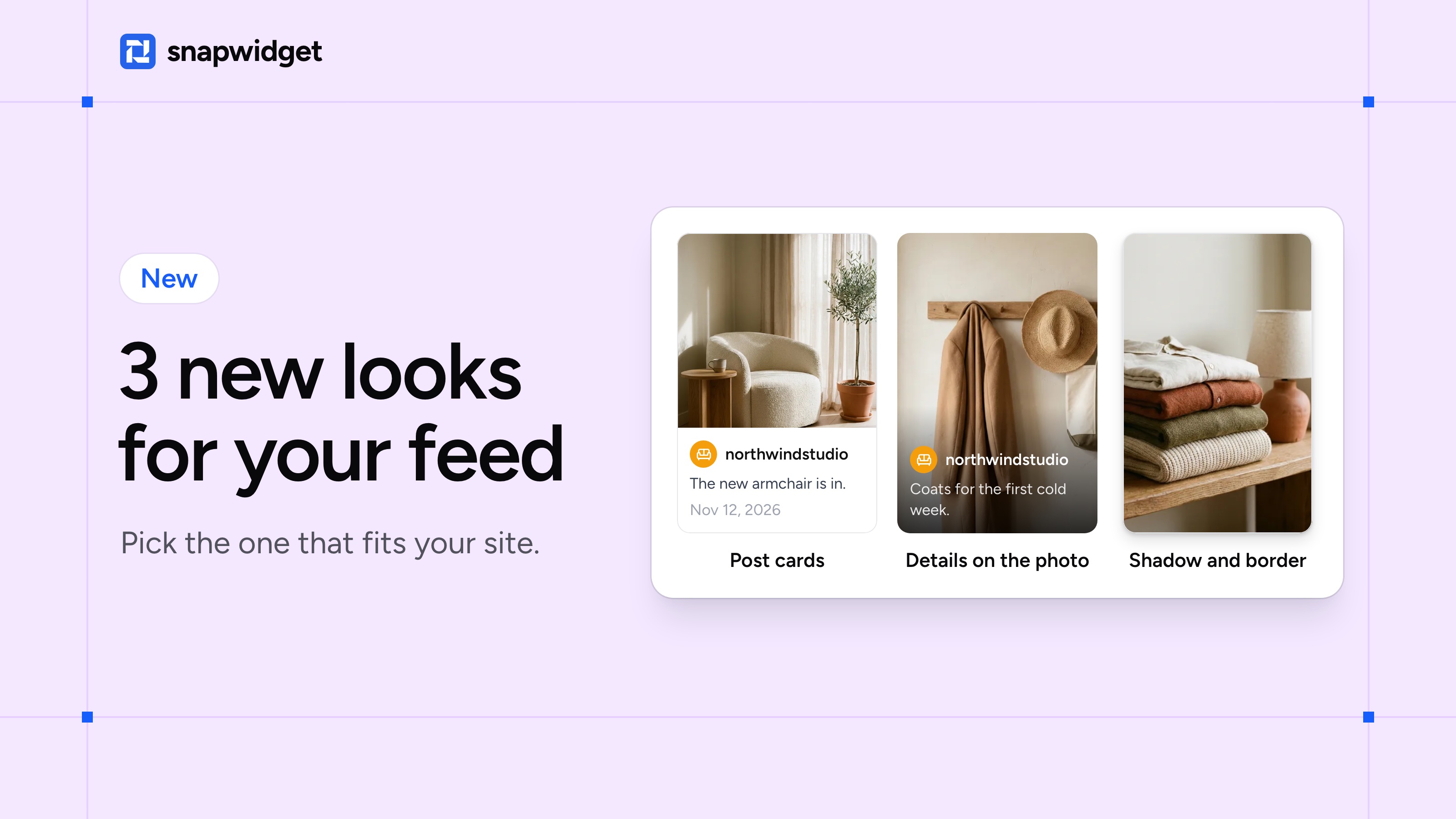
Post cards. Each post sits on its own card, with your profile picture and name, the caption and the date under the photo. Pick it when your captions carry the product, the price or the event.
Details on the photo. Your name and caption lie over the bottom of each photo, like a magazine cover. Your widget keeps its size.
Shadow and border. A soft shadow lifts each photo off the page. A thin line gives light photos a clean edge on a white page. Use one, or both.
Try a look
Open your widget and choose Below the Photo (post cards) or On the Photo under Post Details. Switch on Photo Shadow or Photo Border under Behavior, and click Save.
Post cards on a Grid widget with Responsive off need more room: copy the code again from Install Widget and put it on your site in place of the old code.
The new looks are on Grid widgets on every plan, the free plan too, and on Masonry widgets.
Which one is yours? Try a new look