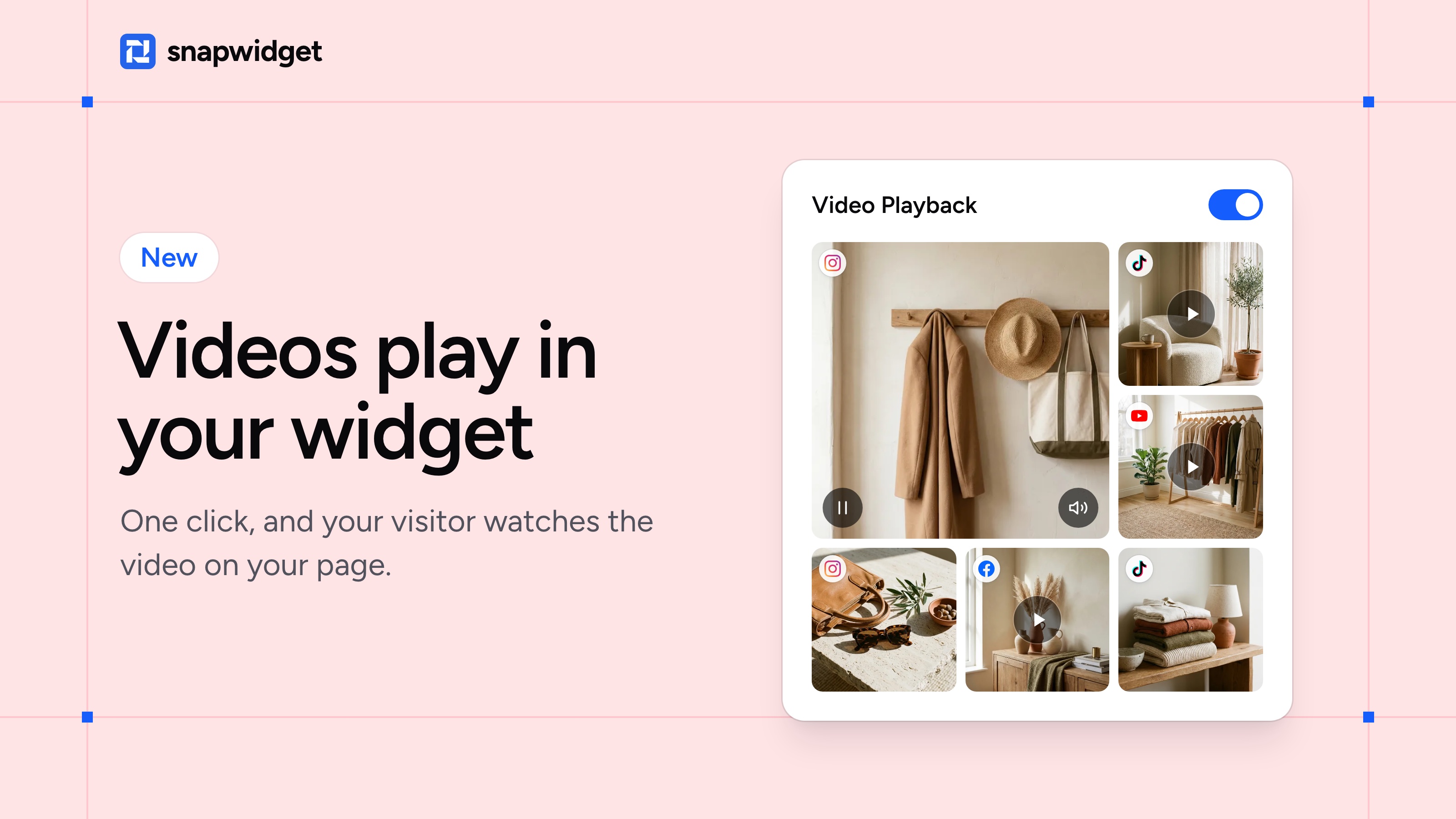
Until now, a click on a video in your widget opened a popup or sent your visitor away from your site. Now the video plays in your widget, on your own page.
Switch on Video Playback and each video gets a play button. One click, and it plays where the photo was. Your visitor stays on your site.
An Instagram or Facebook video starts without sound, with a sound button and a pause button. A YouTube or TikTok video plays in the player your visitors know from those apps. One video plays at a time, so two never talk over each other.
Switch it on
Open your widget, go to the Advanced tab and switch on Video Playback under Behavior. Click Save. The code on your site stays the same.
Video Playback is on Grid, Masonry and Feed widgets for Instagram, Facebook and TikTok, and on YouTube Grid widgets, on every paid plan.
A Grid and Masonry for your TikTok videos
A TikTok widget had one layout, the Feed. Now you can show your TikTok videos in a Grid or in Masonry too. You can also add your TikTok account to a Grid or Masonry widget, next to your Instagram or Facebook account.
Which video should your visitors watch first? Switch on Video Playback