

Page Builder needs a Stencil theme. Your user account needs the Store Design permission.
In SnapWidget
- Create your widget, or open an existing widget from your dashboard.
- Click Get Widget. For an existing widget, click Update & Get Widget.
- In the You’re One Step Away window, click Copy To Clipboard.
In BigCommerce
- In your BigCommerce admin, go to Storefront > Themes. Click Edit in Page Builder.
- At the top of Page Builder, select the page where you want the widget, for example Homepage.
-
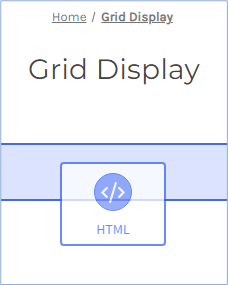
Drag the HTML widget from the left panel to the place on the page where you want the widget.
-
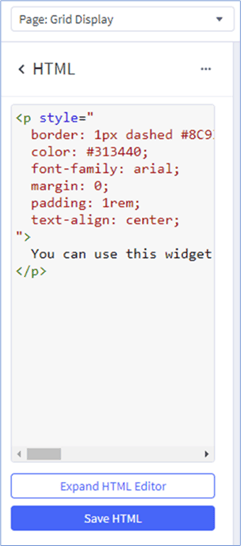
In the left panel, replace the sample code with your code. Click Save HTML.
-
Click Publish.

Add the widget to a product page
- Go to Products > All products and open the product.
- In Description, click the Source code button in the editor toolbar.
- Paste your code and click Save.