

Use a document, not a product description. CubeCart removes
<script> lines and most iframes from product descriptions.In SnapWidget
- Create your widget, or open an existing widget from your dashboard.
- Click Get Widget. For an existing widget, click Update & Get Widget.
- In the You’re One Step Away window, click Copy To Clipboard.
In CubeCart
-
In your CubeCart admin, go to File Manager > Documents.
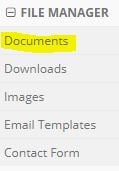
- Click the document where you want the widget. To make a new page, click Create Document.
-
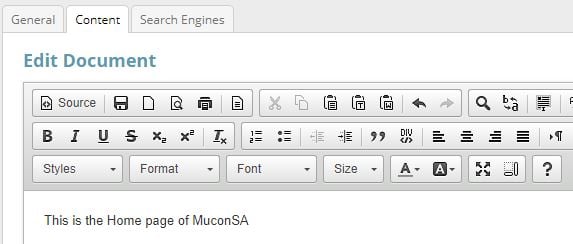
Click the Content tab. In the editor toolbar, click Source.
-
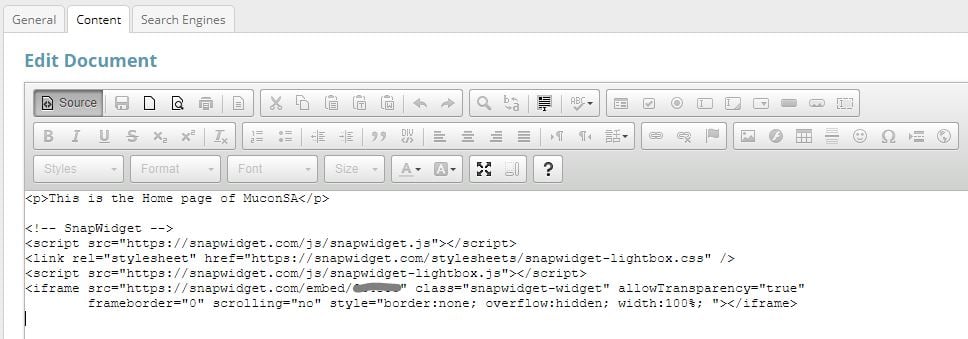
Paste your code where you want the widget to show.
- Click Save.