

In SnapWidget
- Create your widget, or open an existing widget from your dashboard.
- Click Get Widget. For an existing widget, click Update & Get Widget.
- In the You’re One Step Away window, click Copy To Clipboard.
In GoDaddy
- Go to your GoDaddy product page. Expand Websites + Marketing and click Manage next to your site.
- Open the page where you want the widget. Add a section at the place where the widget should show.
-
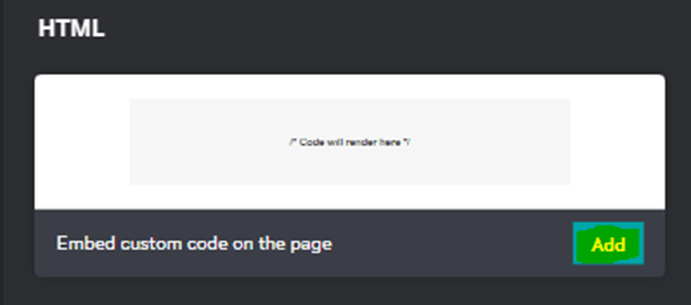
Search for HTML and click Add.
-
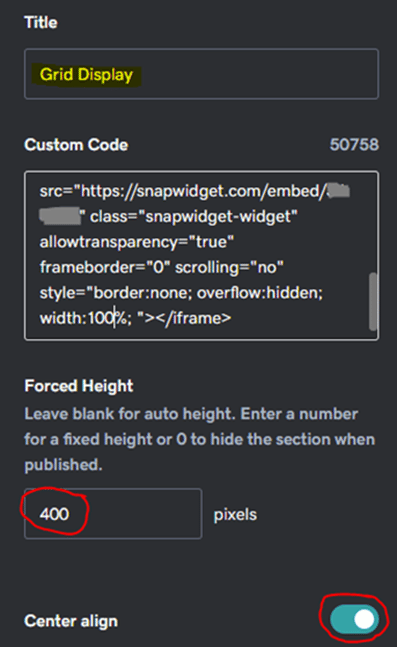
Paste your code in the Custom Code field. Leave Forced Height empty for an automatic height. If the widget is cut off, enter a height in pixels.
- GoDaddy saves your changes on its own. Click Preview to see the page, then click Publish.