These steps are for Jimdo Creator. The Jimdo Website Builder does not have a Widget/HTML element.
In SnapWidget
- Create your widget, or open an existing widget from your dashboard.
- Click Get Widget. For an existing widget, click Update & Get Widget.
- In the You’re One Step Away window, click Copy To Clipboard.
In Jimdo
- Log in to Jimdo and choose your website. Click Edit.
- Go to the page where you want the widget. Hover over the content area and click Add Element.
-
Click More Elements and Add-ons, then click Widget/HTML.


-
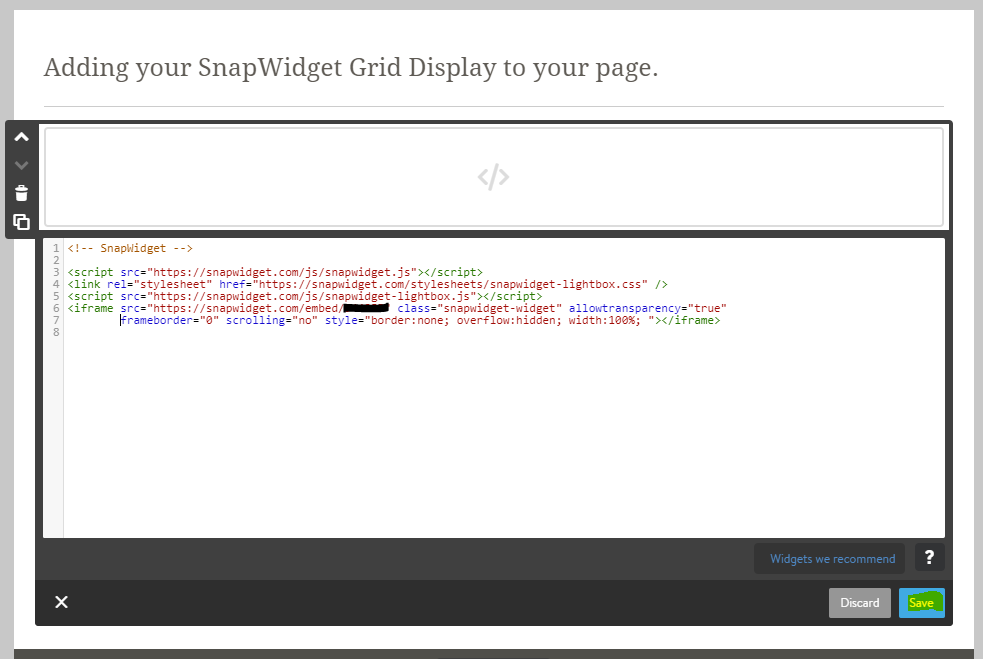
Paste your code in the box and click Save.