

In SnapWidget
- Create your widget, or open an existing widget from your dashboard.
- Click Get Widget. For an existing widget, click Update & Get Widget.
- In the You’re One Step Away window, click Copy To Clipboard.
In Blogger
-
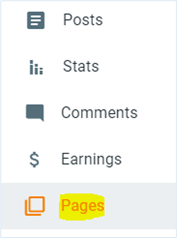
In Blogger, click Posts or Pages and open the post or page. To start a new post, click New Post.
-
In the top left of the editor, switch from Compose view to HTML view.
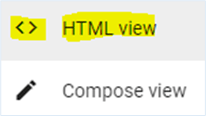
- Paste your code where you want the widget to show.
-
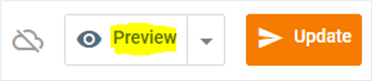
Click Publish. For a post or page that is already live, click Update.
Do not switch back to Compose view after you paste the code. Blogger can say that your HTML is invalid and change the code.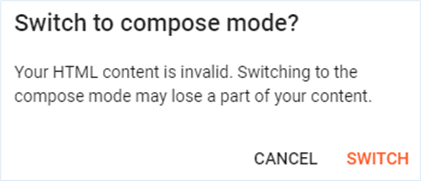
Add the widget to your sidebar
- In Blogger, click Layout.
- In the section where you want the widget, click Add a Gadget.
- Select HTML/JavaScript.
- Paste your code into the Content box and click Save.