

In SnapWidget
- Create your widget, or open an existing widget from your dashboard.
- Click Get Widget. For an existing widget, click Update & Get Widget.
- In the You’re One Step Away window, click Copy To Clipboard.
In CMSimple
- Log in to CMSimple and click Pages.
-
Click the » arrows next to the page where you want the widget.
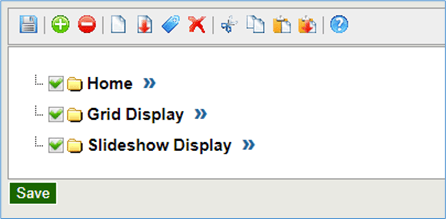
-
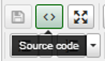
In the editor toolbar, click Source code.
-
Paste your code where you want the widget to show, and click Ok.

- Click the save icon in the editor toolbar.