

sandbox setting to every iframe, which stops the widget. Use the EasyMDE editor for this. The same steps work for Facebook, X, TikTok and YouTube widgets.
In SnapWidget
- Create your widget, or open an existing widget from your dashboard.
- Click Get Widget. For an existing widget, click Update & Get Widget.
- In the You’re One Step Away window, click Copy To Clipboard.
In Bludit
-
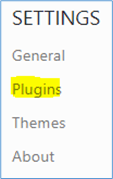
In the Bludit admin, click Plugins under Settings.
-
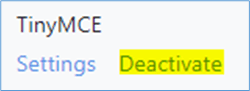
Find TinyMCE and click Deactivate.
-
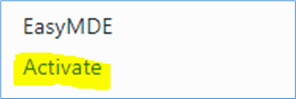
Find EasyMDE and click Activate.
- Click Content and open the page. To make a new page, click New content.
-
Paste your code where you want the widget to show.
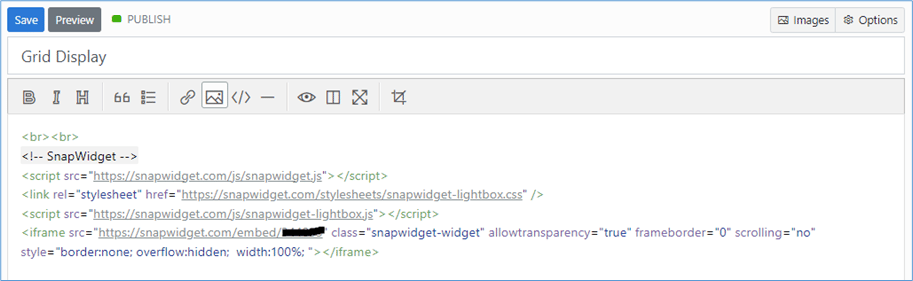
- Click Save. For new content, click Publish.