

In SnapWidget
- Create your widget, or open an existing widget from your dashboard.
- Click Get Widget. For an existing widget, click Update & Get Widget.
- In the You’re One Step Away window, click Copy To Clipboard.
In WonderCMS
- Log in to WonderCMS and open the page where you want the widget.
- Click the content area of the page.
-
If you use the Summernote Editor plugin, click Code View (
</>) in the editor toolbar first.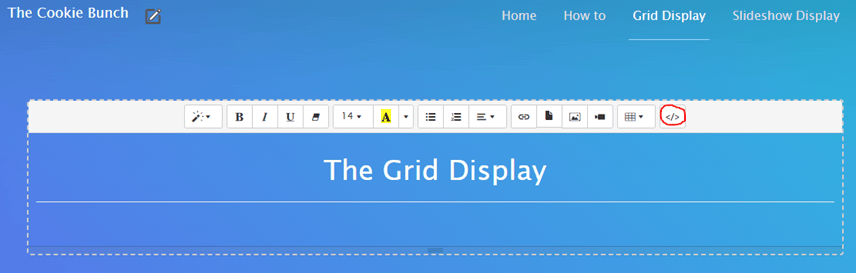
- Paste your code where you want the widget to show.
- Click anywhere outside the content area. WonderCMS saves the change and publishes the page.